
Preface
This article is highly personal in tone. If you find it uncomfortable to read, please close it as soon as possible. This article is only a personal learning record. Reposts and sharing are welcome within the scope of the license agreement. Please respect the copyright and keep the original link. Thank you for your understanding and cooperation. If you find this site helpful, you can subscribe via RSS. Thanks for your support!
Problem Description
These past few days I wanted to align my code and found that the XAlign plugin I often use had stopped working. Looking at the settings, I saw that Xcode Source Editor was missing from the extensions.
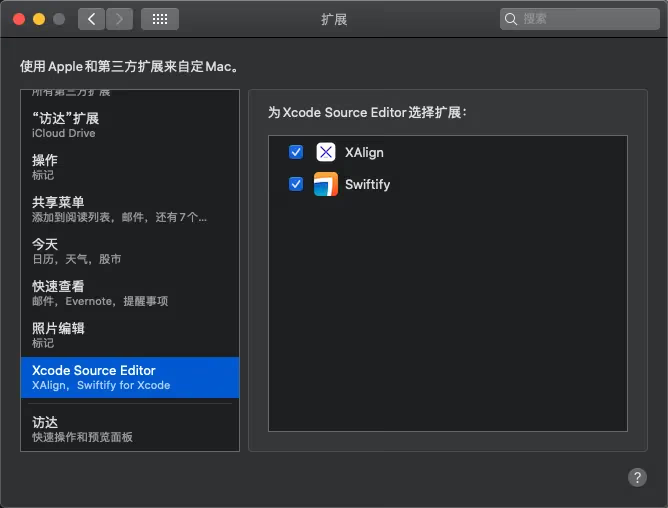
After searching online, I found a reliable solution, so I’m jotting it down here.
Enter the following in the terminal and it will show up:
1
2
$ PATH=/System/Library/Frameworks/CoreServices.framework/Frameworks/LaunchServices.framework/Support:"$PATH"
$ lsregister -f /Applications/Xcode.app
The cause
When multiple copies of Xcode are on the same machine, extensions may stop working entirely. In this case, Apple Developer Relations suggests re-registering your primary copy of Xcode with Launch Services (the easiest way is to temporarily add lsregister’s location to PATH):
Reference https://nshipster.com/xcode-source-extensions/
Summary
Recording a commonly encountered problem.