
Preface
This post carries strong personal opinions. If reading it makes you uncomfortable, please close it as soon as possible. This article is only for my personal study records; you are also welcome to repost or share it within the scope of the license. Please respect the copyright and keep the original link. Thank you for your understanding and cooperation. If you find this site helpful, you can subscribe via RSS. Thanks for your support!
Getting to Know visionOS
Think of visionOS as a new iOS-like system that runs on Apple’s headset — what Apple grandly calls “spatial computing”. It’s built on the SwiftUI, UIKit, RealityKit, and ARKit frameworks. Prior experience with these frameworks helps a lot; if you don’t have it, you can pick it up as you go, or simply start with SwiftUI.
- SwiftUI is like the UIKit of before — a new UI framework system for building UI, used for Swift development
- UIKit is the original Objective-C UI system
- RealityKit is the augmented reality framework
- ARKit is the virtual reality framework
spatial computing
Learn the building blocks of spatial computing — windows, volumes, and spaces — and find out how to use these elements to build engaging immersive experiences. We’ll walk you through the frameworks used to create apps for visionOS and show you how to design for depth, scale, and immersion. Explore how to use tools from Apple like Xcode and the new Reality Composer Pro, and how to make spatial computing apps that work for everyone.
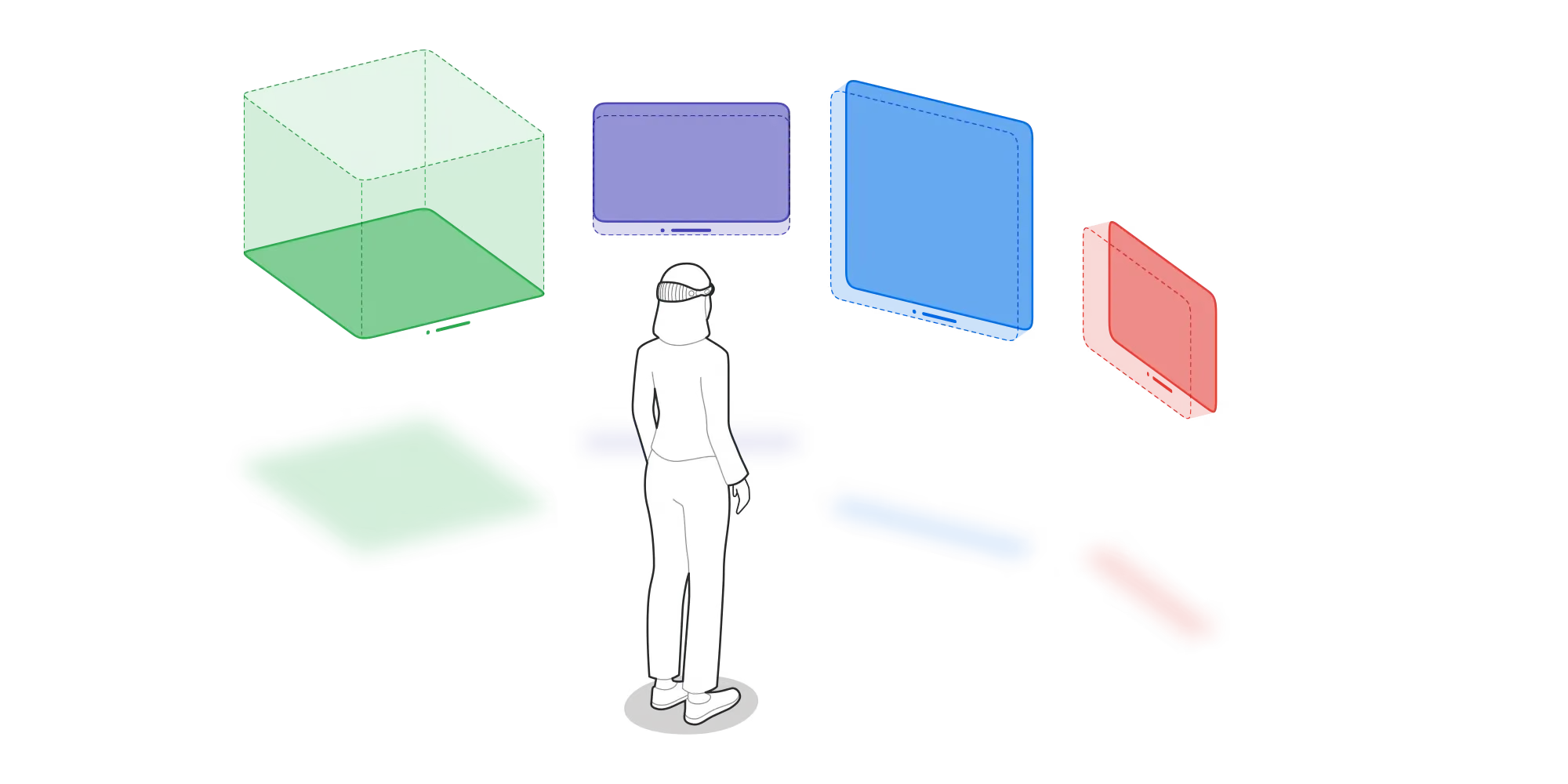
- windows — this thing is important: it’s just like the window we used for UIView and the like, generally a 2D content view container
- volumes — an expanded, enhanced container on top of windows, for holding both 2D and 3D content
- spaces — like the camera, that is, the position of our own eyes; a type used for passthrough, full-screen, and large curved 3D display modes
Here are the official explanations:
windows You can create one or more windows in your visionOS app. They’re built with SwiftUI, contain traditional views and controls, and you can add depth to the experience by adding 3D content.
- volumes Add depth to your app with a 3D volume. Volumes are SwiftUI scenes that can use RealityKit or Unity to present 3D content, creating experiences viewable from any angle in the Shared Space or an app’s Full Space.
- spaces By default, apps launch into the Shared Space, where they exist side by side, like multiple apps on a Mac desktop. Apps can use windows and volumes to display content, and people can reposition these elements wherever they like. For a more immersive experience, an app can open a dedicated Full Space that shows only that app’s content. In a Full Space, an app can use windows and volumes, create unbounded 3D content, open portals to different worlds, and even place people fully inside an environment.
Here are four videos for learning about this:
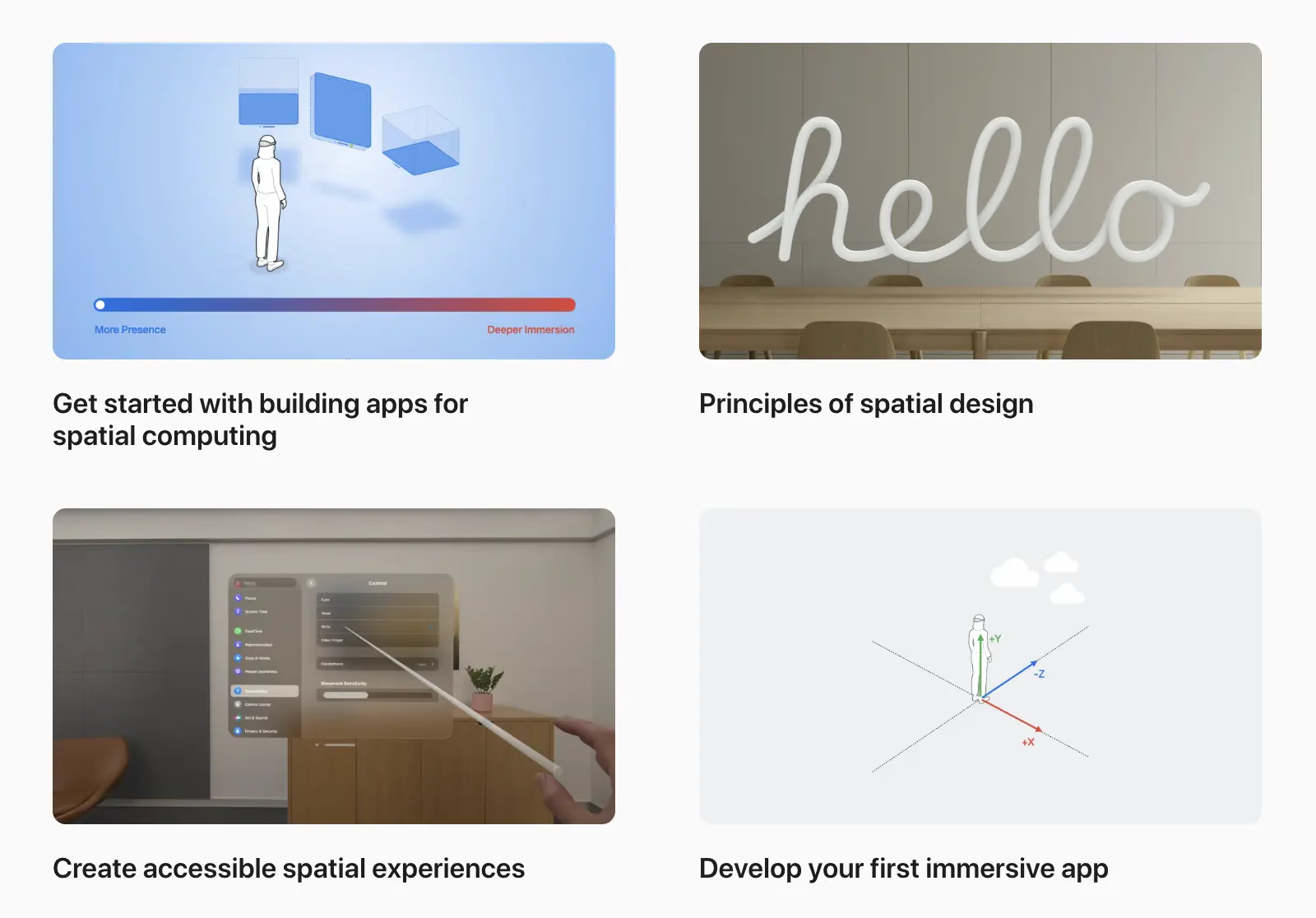
- Get started with building apps for spatial computing
- Principles of spatial design
- Create accessible spatial experiences
- Develop your first immersive app
Once you’re familiar with the basics of visionOS, take a deeper look at the frameworks that support the platform. Tour SwiftUI for visionOS, learn how to add depth to windows and volumes, and how to use a Full Space to let people experience your app in ways never possible before. We’ll also introduce you to UIKit for spatial computing and share how to use it alongside SwiftUI.
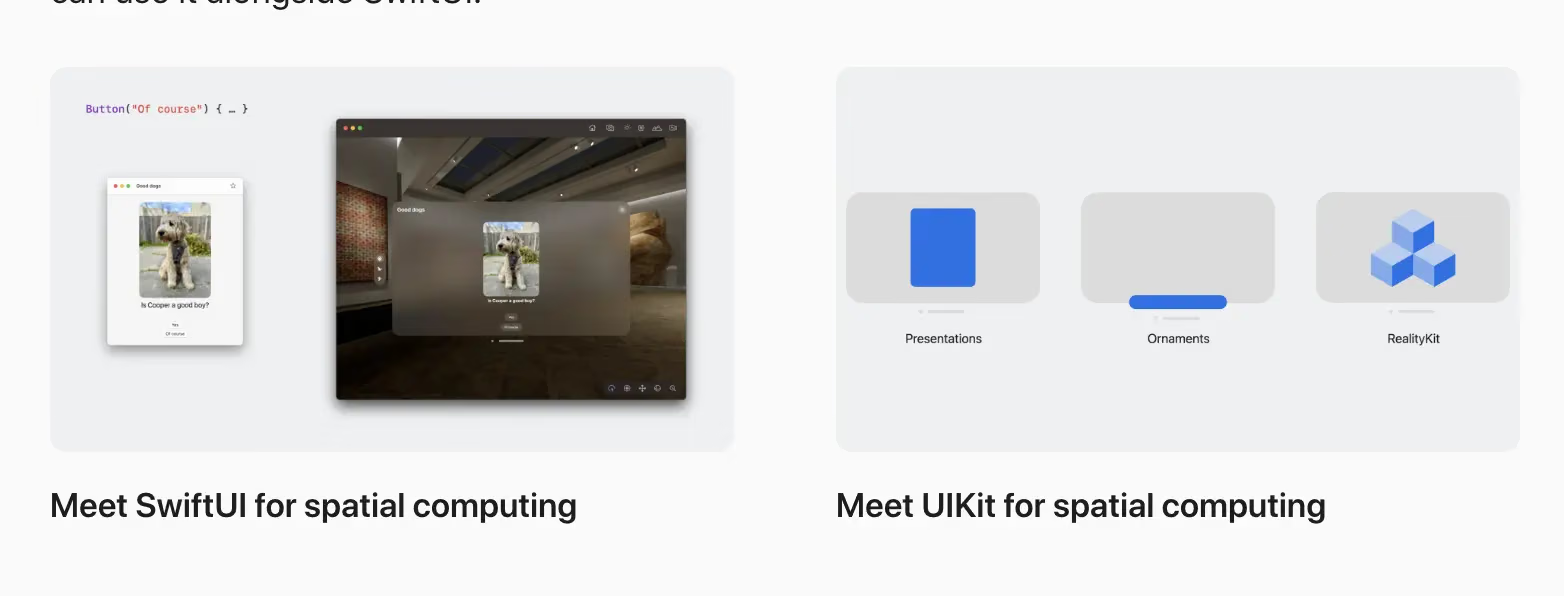
Meet SwiftUI for spatial computing Meet UIKit for spatial computing
These two sessions cover UIKit and SwiftUI.
Exploring SwiftUI and RealityKit
To go deeper into SwiftUI and RealityKit, explore the dedicated series of sessions focused on SwiftUI scene types that help you build great experiences across windows, volumes, and spaces. Learn about the Model 3D API, find out how to add depth and dimension to your app, and learn how to render 3D content with RealityView. We’ll help you get ready to step into ImmersiveSpace — a new SwiftUI scene type that lets you create great immersive experiences for visionOS. Learn best practices for managing scene types, add immersion, and build an out-of-this-world experience.
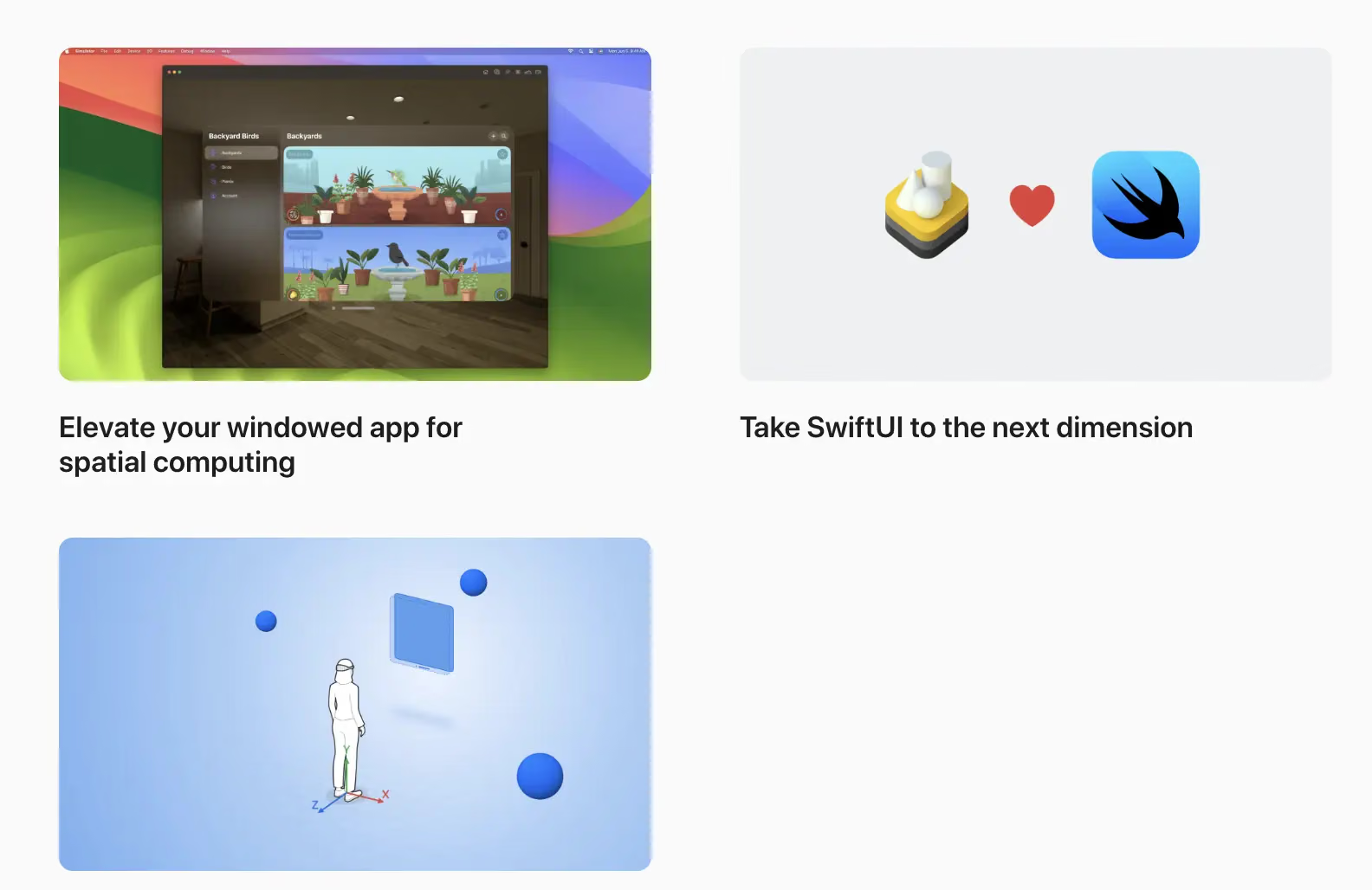
- Elevate your windowed app for spatial computing
- Take SwiftUI to the next dimension
- Go beyond the window with SwiftUI
In our second series, learn how to bring engaging immersive content to your app with RealityKit. Get started with RealityKit entities, components, and systems, and learn how to add 3D models and effects to a project. We’ll show you how to embed your content into an entity hierarchy, blend virtual content with the real world using anchors, bring particle effects into your app, add video content, and create even more immersive experiences through portals.
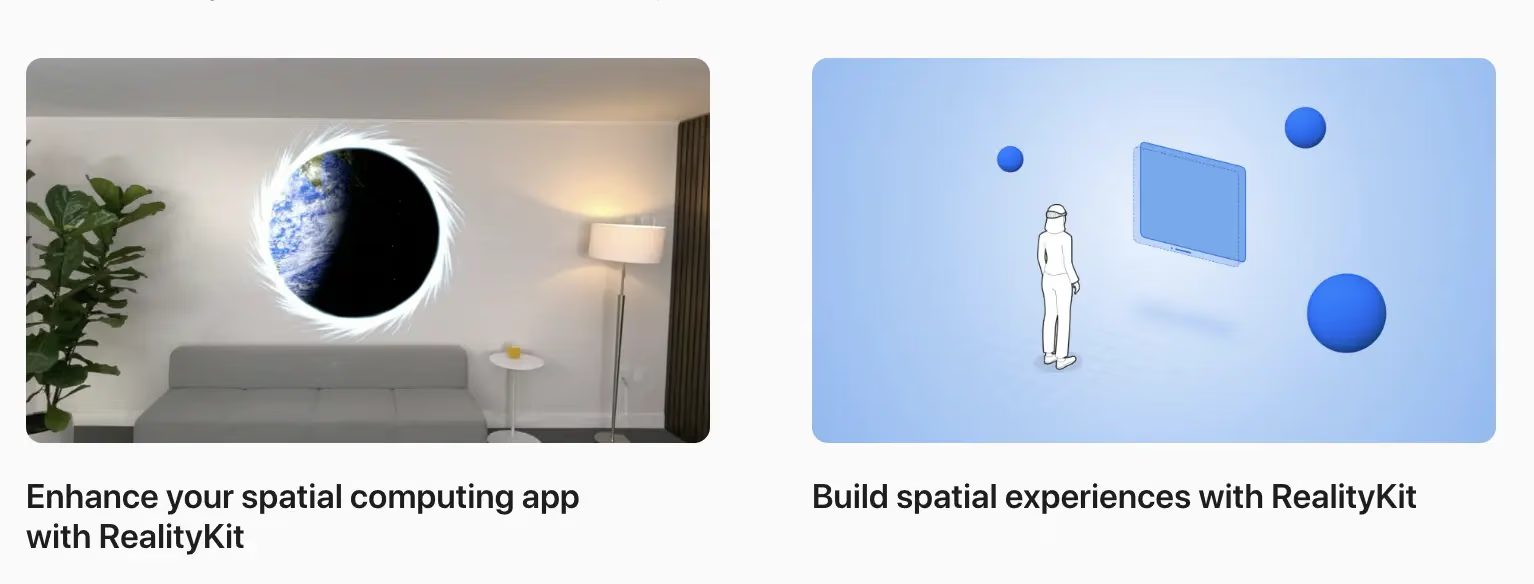
Rediscovering ARKit
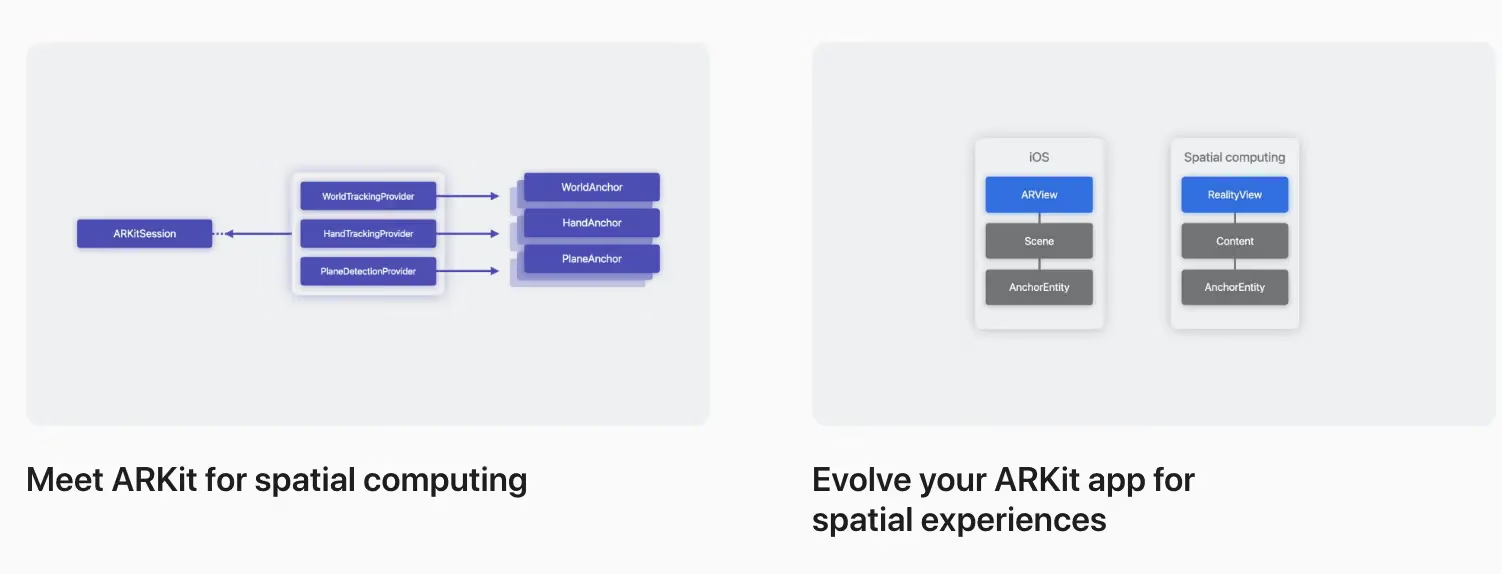
Finally, we’ll help you understand ARKit on visionOS. The platform uses ARKit algorithms to handle features like persistence, world mapping, segmentation, person occlusion, and environmental lighting. These algorithms run continuously, allowing apps and games to automatically benefit from ARKit in the Shared Space. Once your app opens a dedicated Full Space, it can take advantage of ARKit APIs and blend virtual content with the real world.
We’ll share how this framework has been completely reimagined to let you build interactive experiences while protecting privacy. Learn how to make 3D content that interacts with someone’s room — whether you want to bounce a virtual ball off the floor or throw virtual paint on a wall. Explore the latest updates to the ARKit APIs, and follow along as we demonstrate how to take advantage of hand tracking and scene geometry in your app.
What Designers Should Pay Attention to in visionOS
Learn how to design great apps, games, and experiences for spatial computing. Discover all-new input and components. Dive into depth and scale. Add moments of immersion. Create spatial audio soundscapes. Find opportunities for collaboration and connection. And help people stay grounded in their surroundings while they explore entirely new worlds. Whether this is your first time designing spatial experiences or you’ve been building fully immersive apps for years, learn how to create magical hero moments, captivating soundscapes, human-centered UI, and more with visionOS.
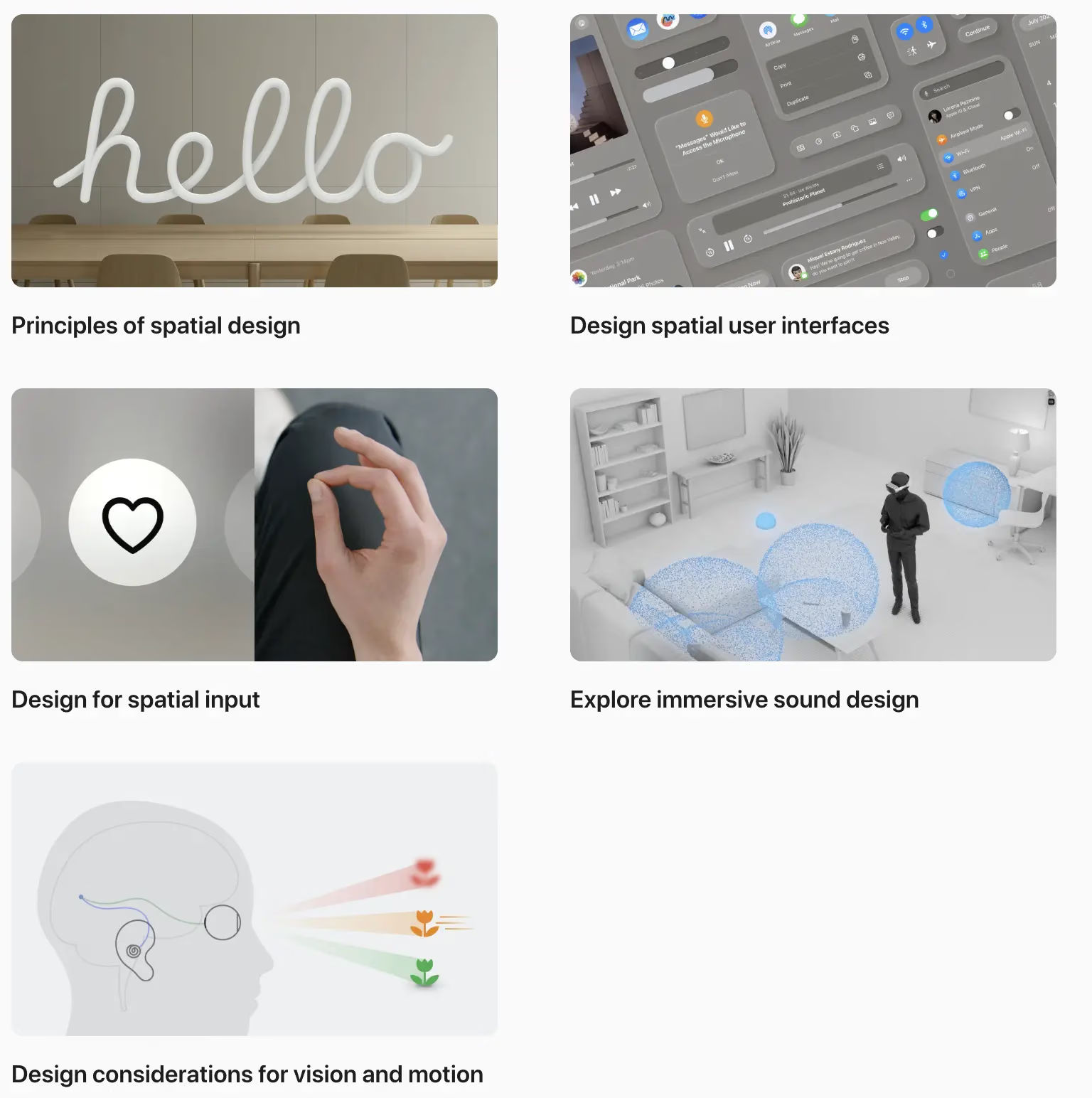
- Principles of spatial design
- Design for spatial user interfaces
- Design for spatial input
- Explore immersive sound design
- Design considerations for vision and motion
visionOS Development Tools
Apple provides a comprehensive set of tools to help you build great apps, games, and experiences for visionOS. Learn how to start your first visionOS project in Xcode, explore updates to tools and testing, find out how to leverage Reality Composer Pro in your 3D development workflow, and learn how to use Unity’s authoring tools to create great experiences for spatial computing.
What to Watch for in Xcode Development
Start developing for visionOS with Xcode. We’ll show you how to add the visionOS destination to an existing project or build an entirely new app, prototype in Xcode Previews, and import content from Reality Composer Pro. We’ll also share how to use the visionOS simulator to evaluate your experience across a variety of simulated scenes and lighting conditions. Learn how to create tests and visualizations to explore collisions, occlusion, and scene understanding of spatial content, and optimize that content for performance and efficiency.
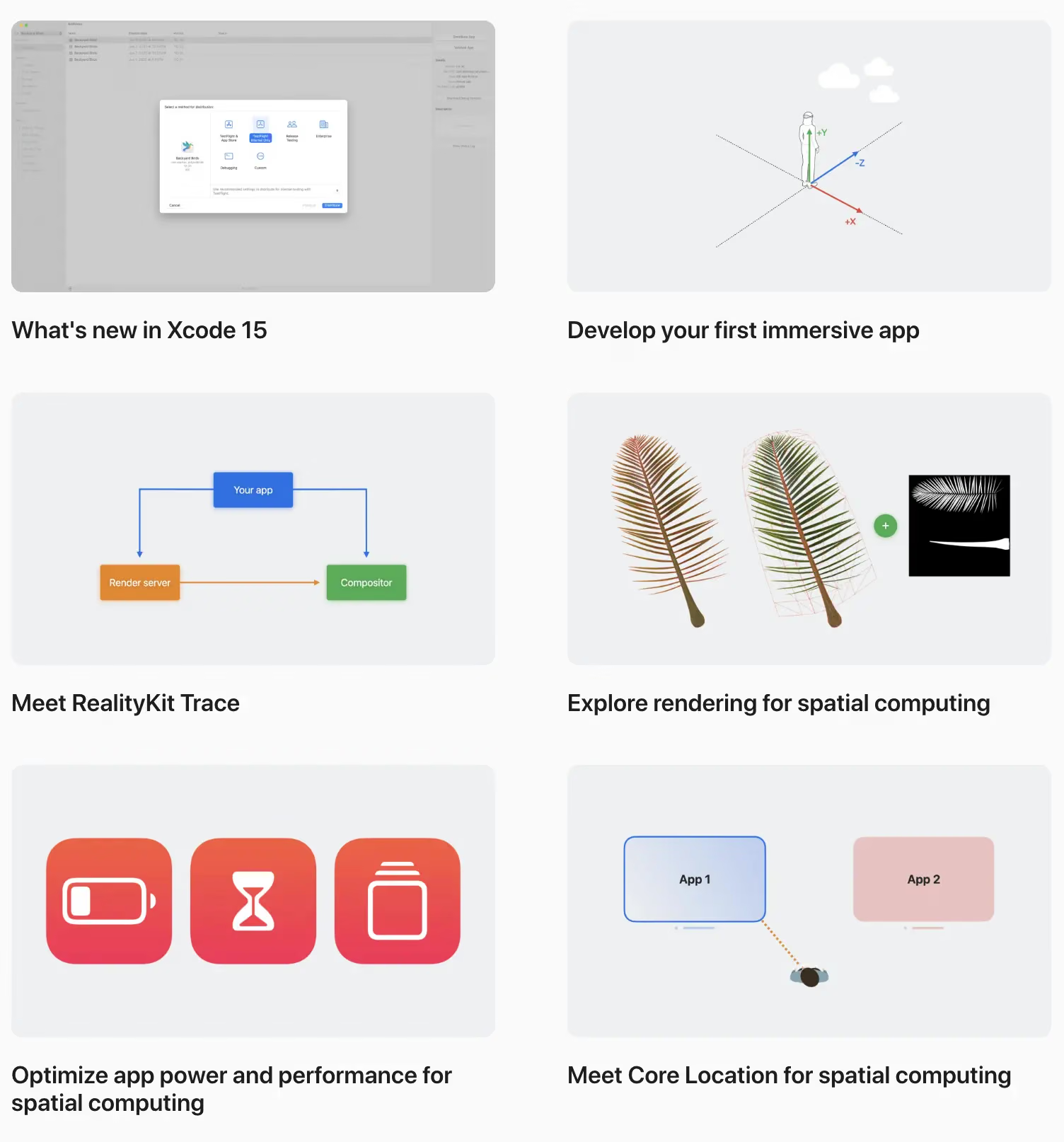
- What’s new in Xcode 15
- Develop your first immersive app
- Meet RealityKit Trace
- Explore rendering for spatial computing
- Optimize app power and performance for spatial computing
- Meet Core Location for spatial computing
Reality Composer Pro
Discover new ways to preview and prepare 3D content for your visionOS apps. Later this month, Reality Composer Pro harnesses the power of USD to help you compose, edit, and preview assets like 3D models, materials, and audio. We’ll show you how to use this tool to create immersive content for your app, add materials to objects, and bring your Reality Composer Pro content into Xcode. We’ll also take you through the latest updates on Universal Scene Description (USD) across Apple platforms.
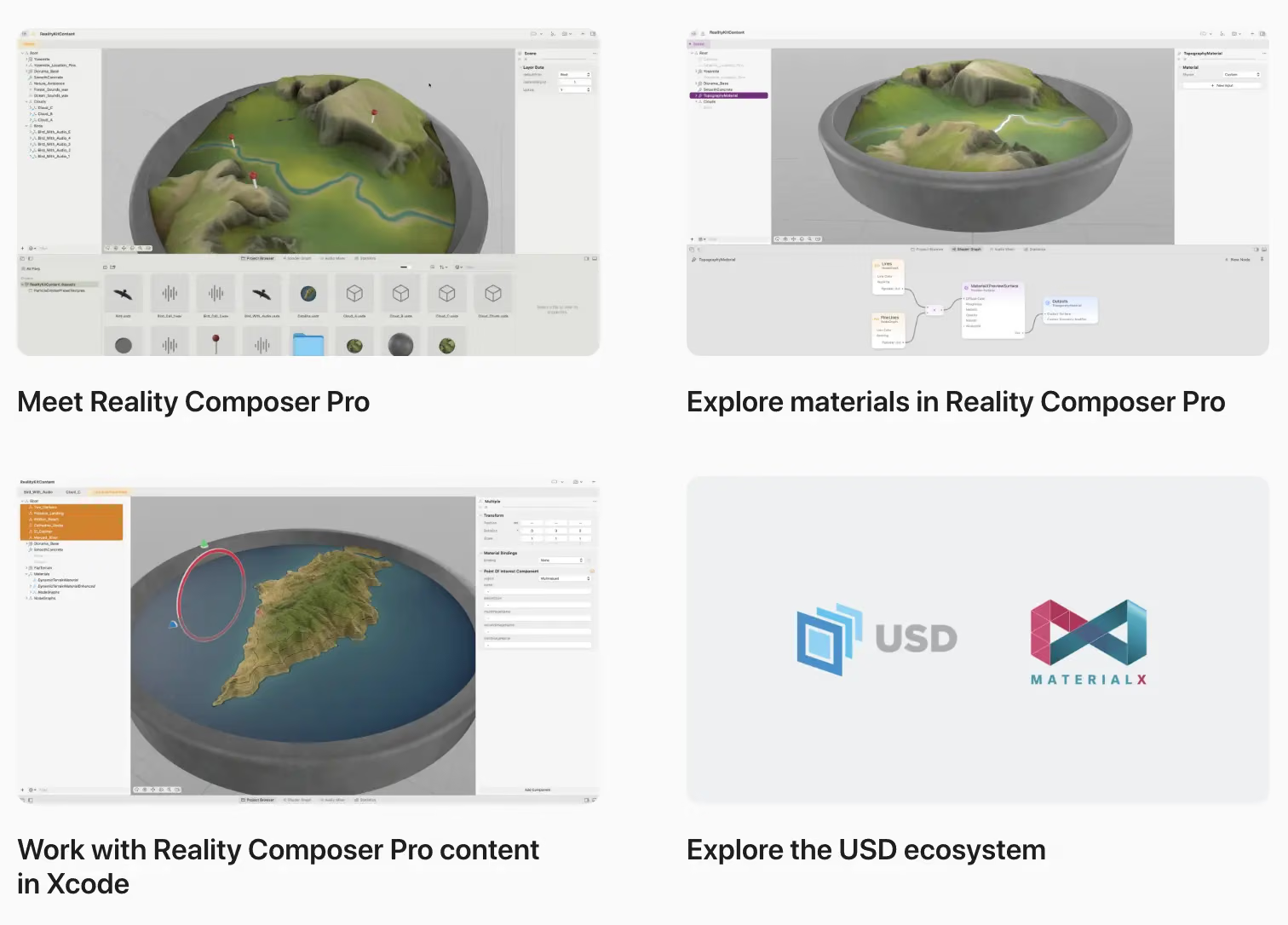
- Meet Reality Composer Pro
- Explore materials in Reality Composer Pro
- Work with Reality Composer Pro content in Xcode
- Explore the USD ecosystem
Learning Unity
TestFlight and App Store Connect
Explore App Store Connect for spatial computing
Games, Audio/Video and Multimedia
Learn how to create truly immersive moments in games and media experiences with visionOS. Games and media can take advantage of the full spectrum of immersion to tell incredible stories and connect with people in new ways. We’ll show you the available paths for getting started with game and narrative development on visionOS. Learn approaches for rendering 3D content efficiently with RealityKit, explore design considerations for vision and motion, and find out how to create fully immersive experiences that transport people to a new world.
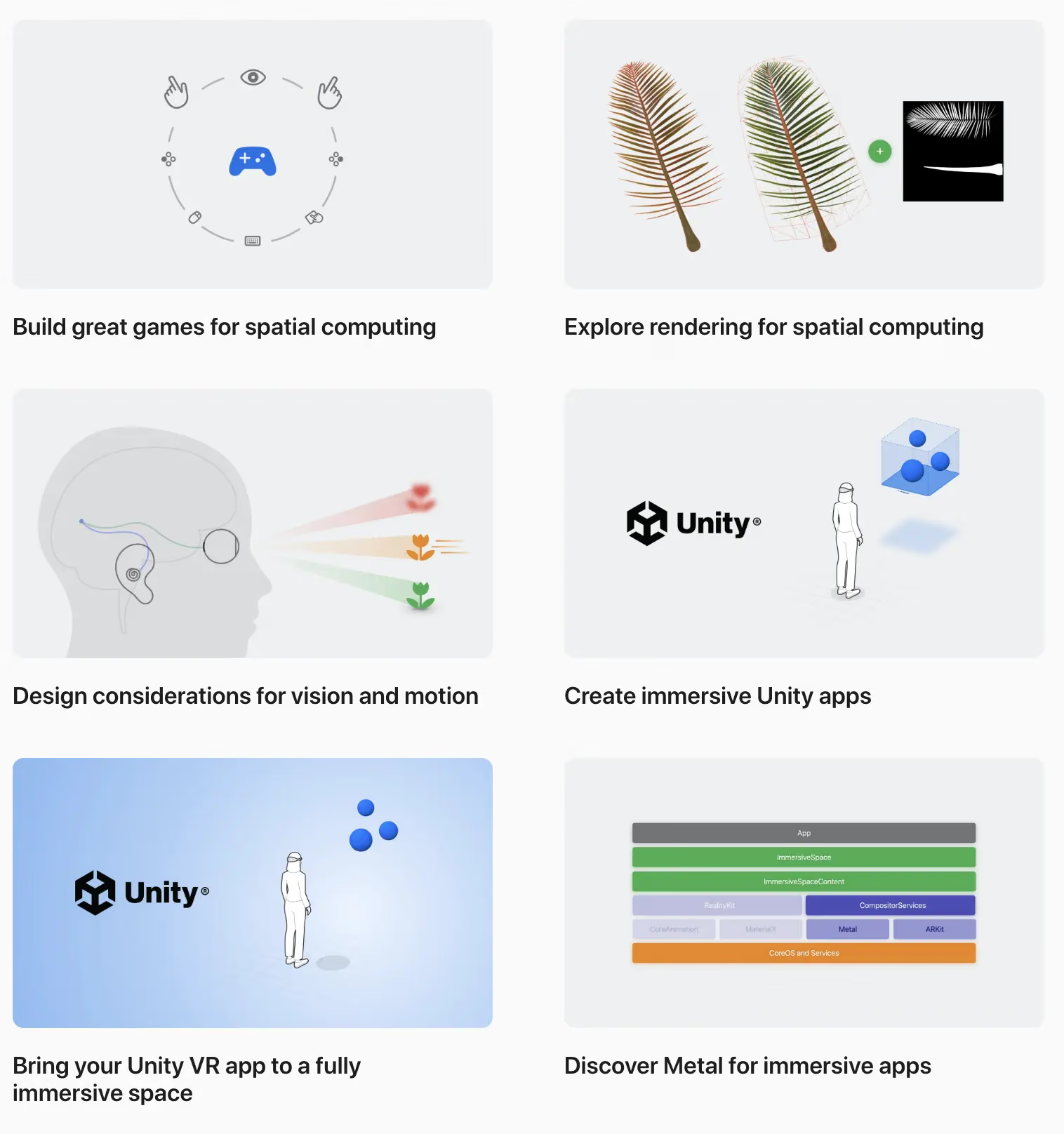
- Build great games for spatial computing
- Explore rendering for spatial computing
- Design considerations for vision and motion
- Create immersive Unity apps
- Bring your Unity VR app to a fully immersive space
- Discover Metal for immersive apps
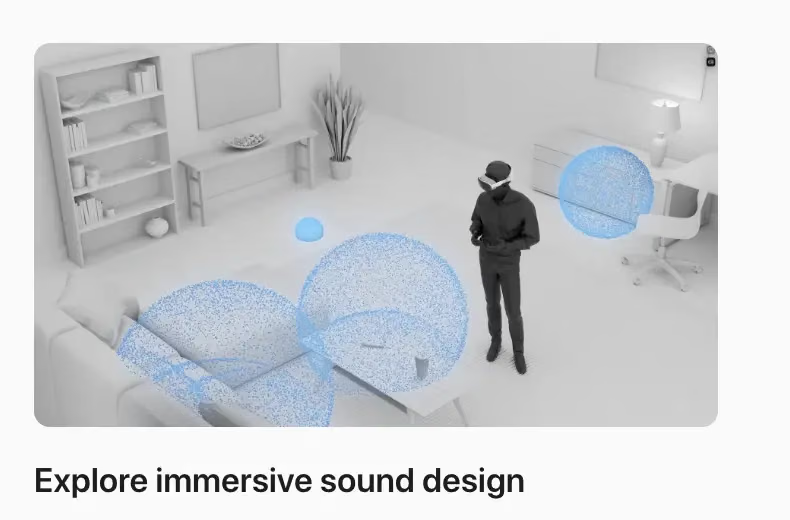
Sound can also greatly enhance the experience of your visionOS apps and games — whether you’re adding an effect to a button press or creating a fully immersive soundscape. Learn how Apple designers select sounds and build soundscapes that create texture-rich immersive experiences across windows, volumes, and spaces. We’ll share how to enrich the fundamental interactions of sound in your app, vary repeated sounds as you spatially place audio cues, and build moments of sound delight in your app.
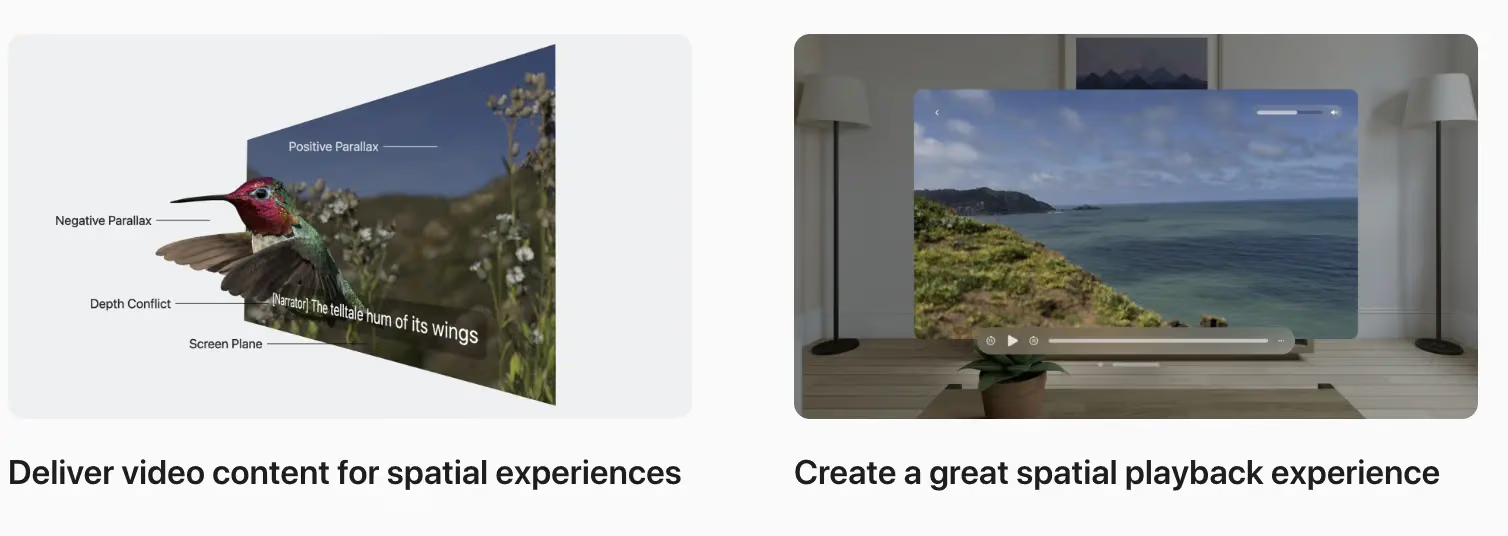
If your app or game features media content, we have a series of sessions designed to help you update your video pipelines and build a great playback experience for visionOS. Learn how to extend your delivery pipelines to support 3D content, and pick up tips and techniques for spatial media streaming in your app. We’ll also show you how to create engaging and immersive playback experiences using the frameworks and APIs that provide video playback for visionOS.
Collaboration, Sharing, and Productivity
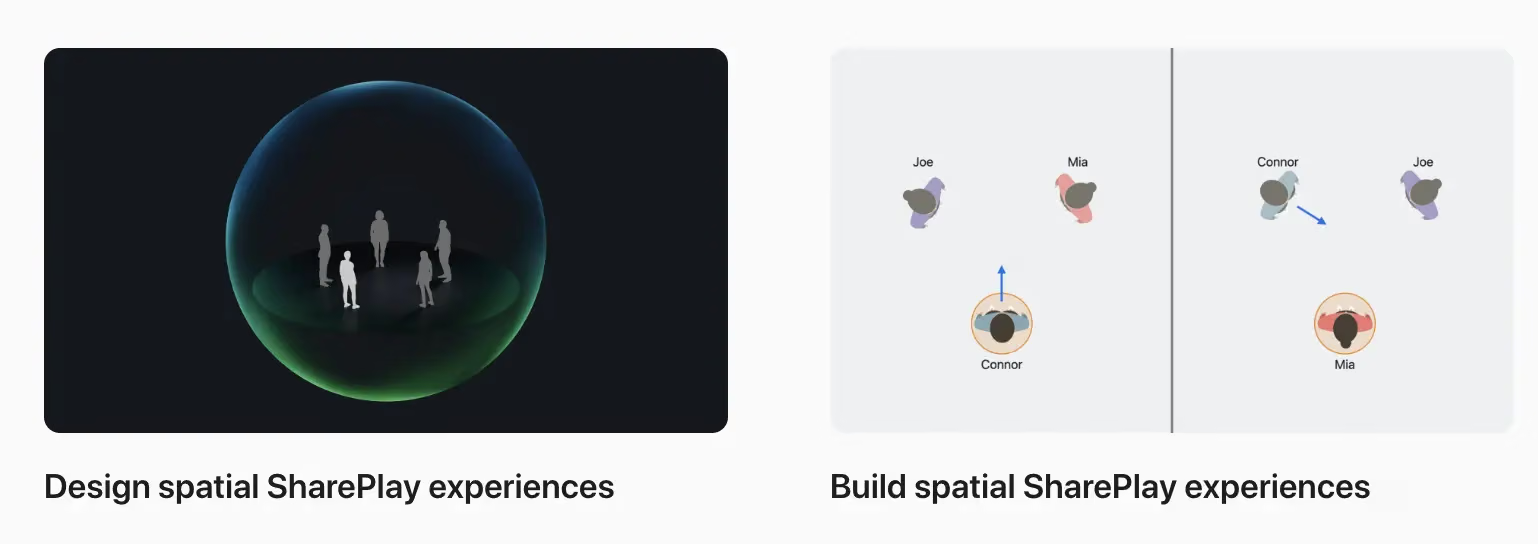
Sharing and collaboration are a core part of visionOS, offering experiences in apps and games that make people feel as though they’re in the same space together. By default, people can share any app window with others over FaceTime, just like on a Mac. But when you adopt the GroupActivities framework, you can create the next generation of collaborative experiences.
Get started designing and building SharePlay on Apple Vision Pro by learning about the types of shared activities you can create in your app. Find out how to establish a shared context between participants in an experience, and learn how to support more meaningful interactions in your app by supporting spatial Personas.
Web-Related and 3D Model Creation
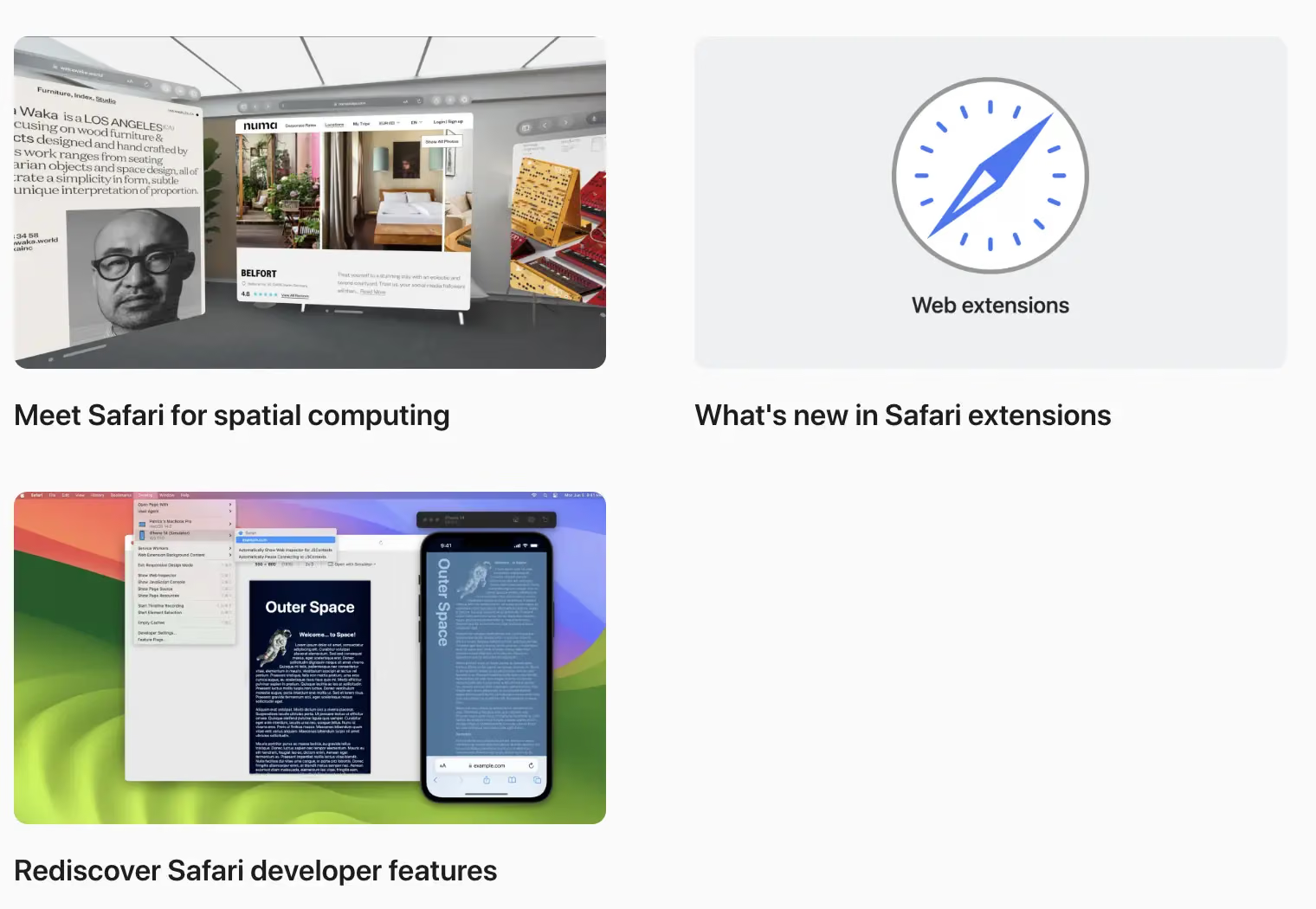
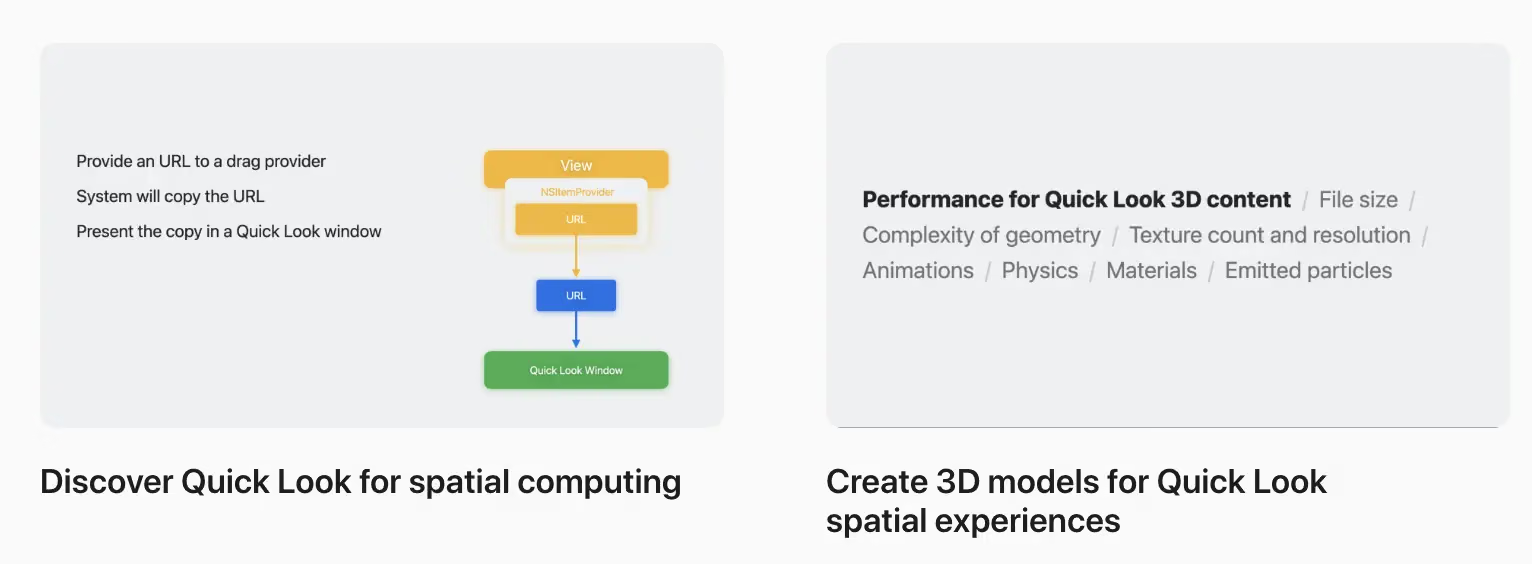
Getting Our iPhone and iPad Apps Running on visionOS
Learn how to run your existing iPad and iPhone apps in visionOS. Explore how iPad and iPhone apps work on this platform, learn about framework dependencies, and discover interactions designed for iPad. When you’re ready to take an existing app to the next level, we’ll show you how to optimize the iPad and iPhone app experience for the Shared Space and help you improve the visuals.
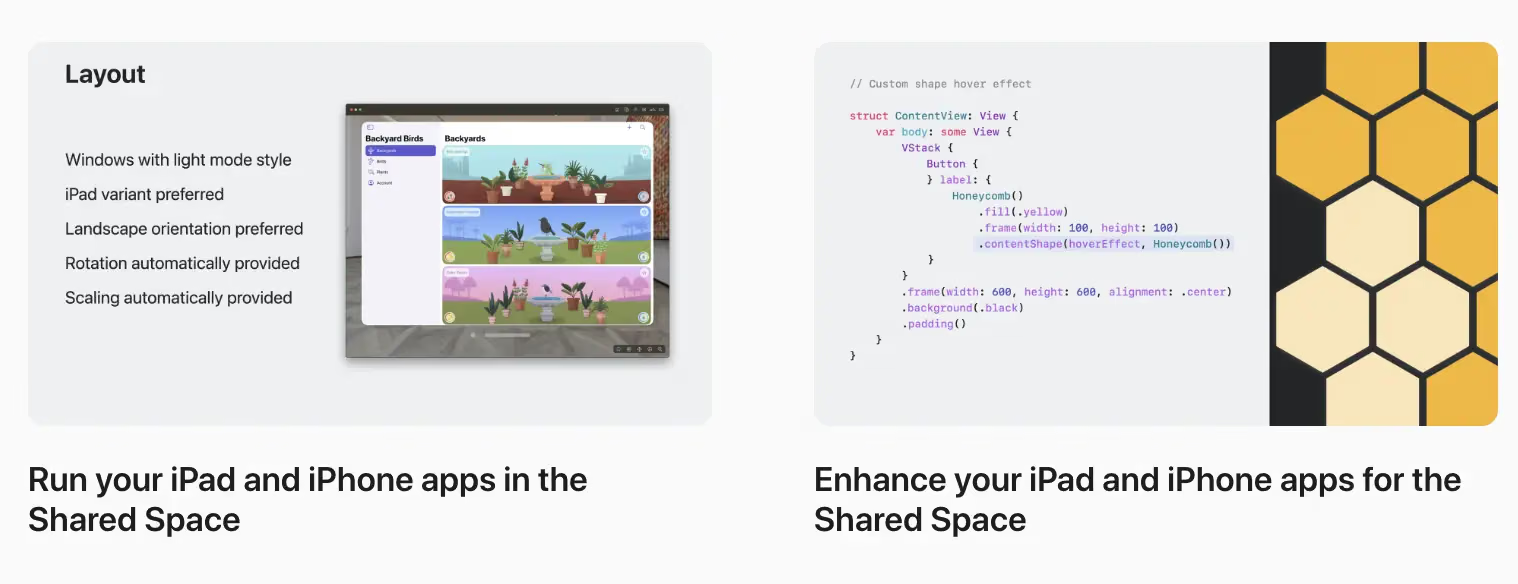
- Run your iPad and iPhone apps in the Shared Space
- Enhance your iPad and iPhone apps for the Shared Space
These are essential viewing for any iOS developer.
Summary
I’ve collected the full set of visionOS learning materials and videos here. I hope you get to build new worlds on this new platform — just like we did back in the early days of iOS.