
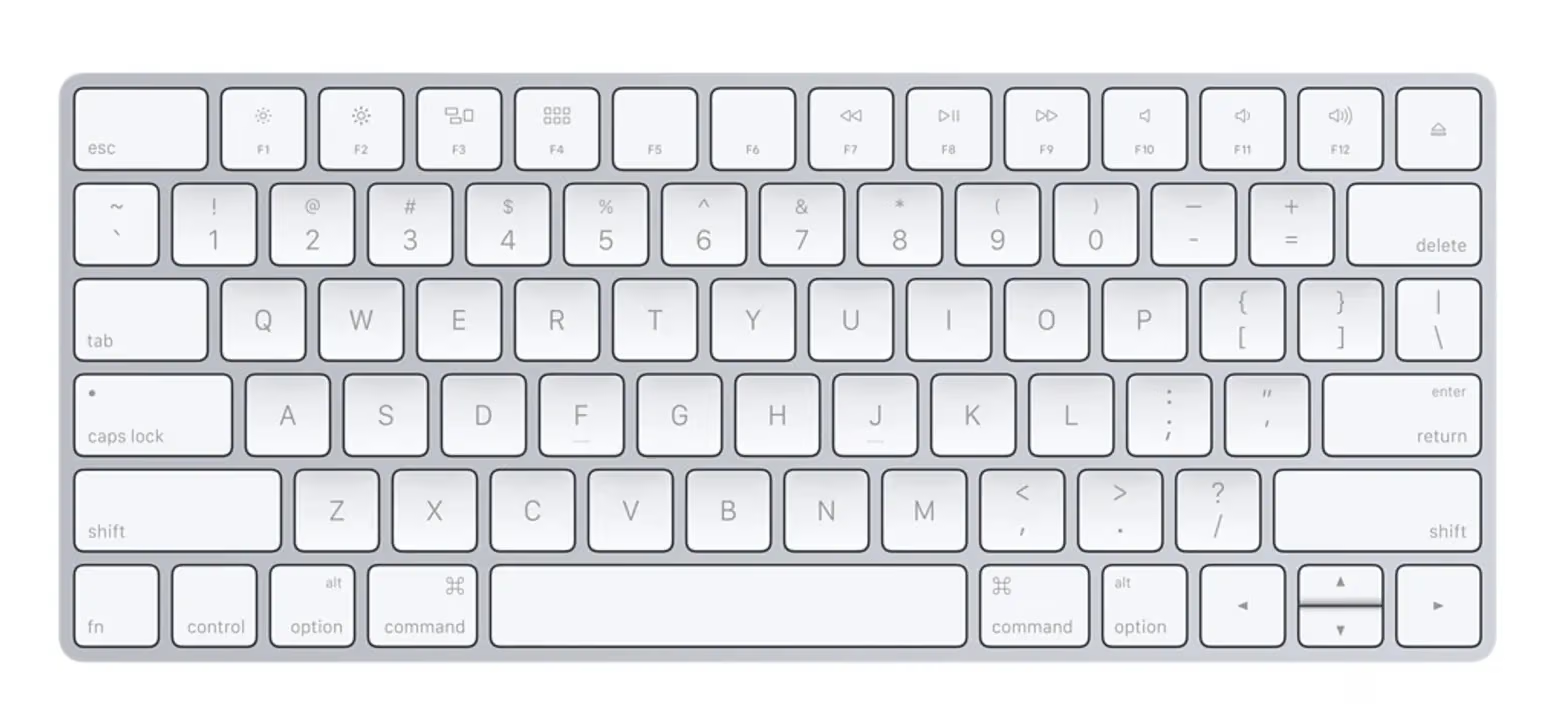
Preface A collection of shortcuts I’ve accumulated as an iOS and macOS developer.
Toggle the Left Panel
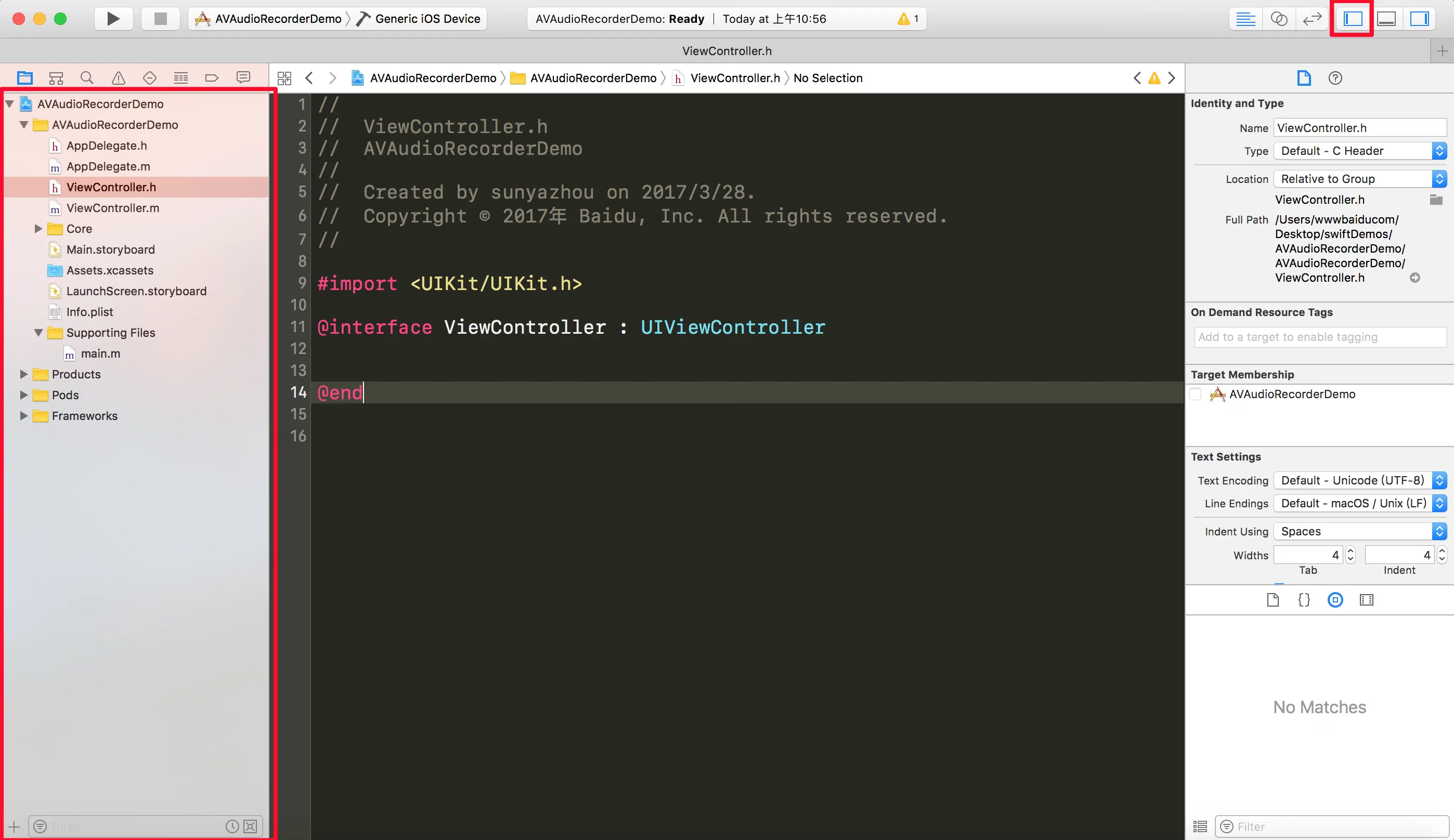
command+0=Show/Hide the left panel
Toggle the Right Panel
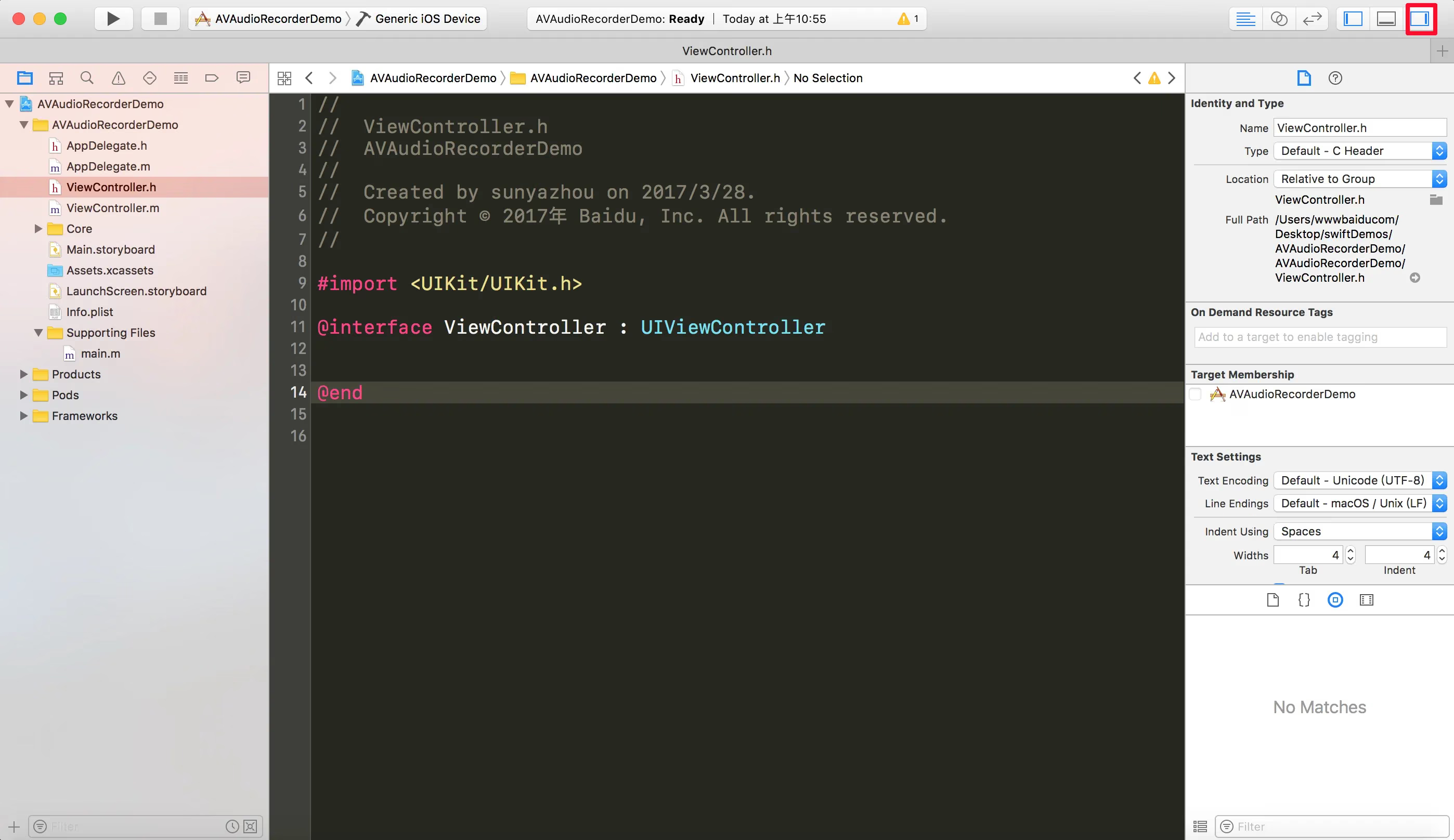
command+option+0=Show/Hide the right panel
Toggle the Debug Area
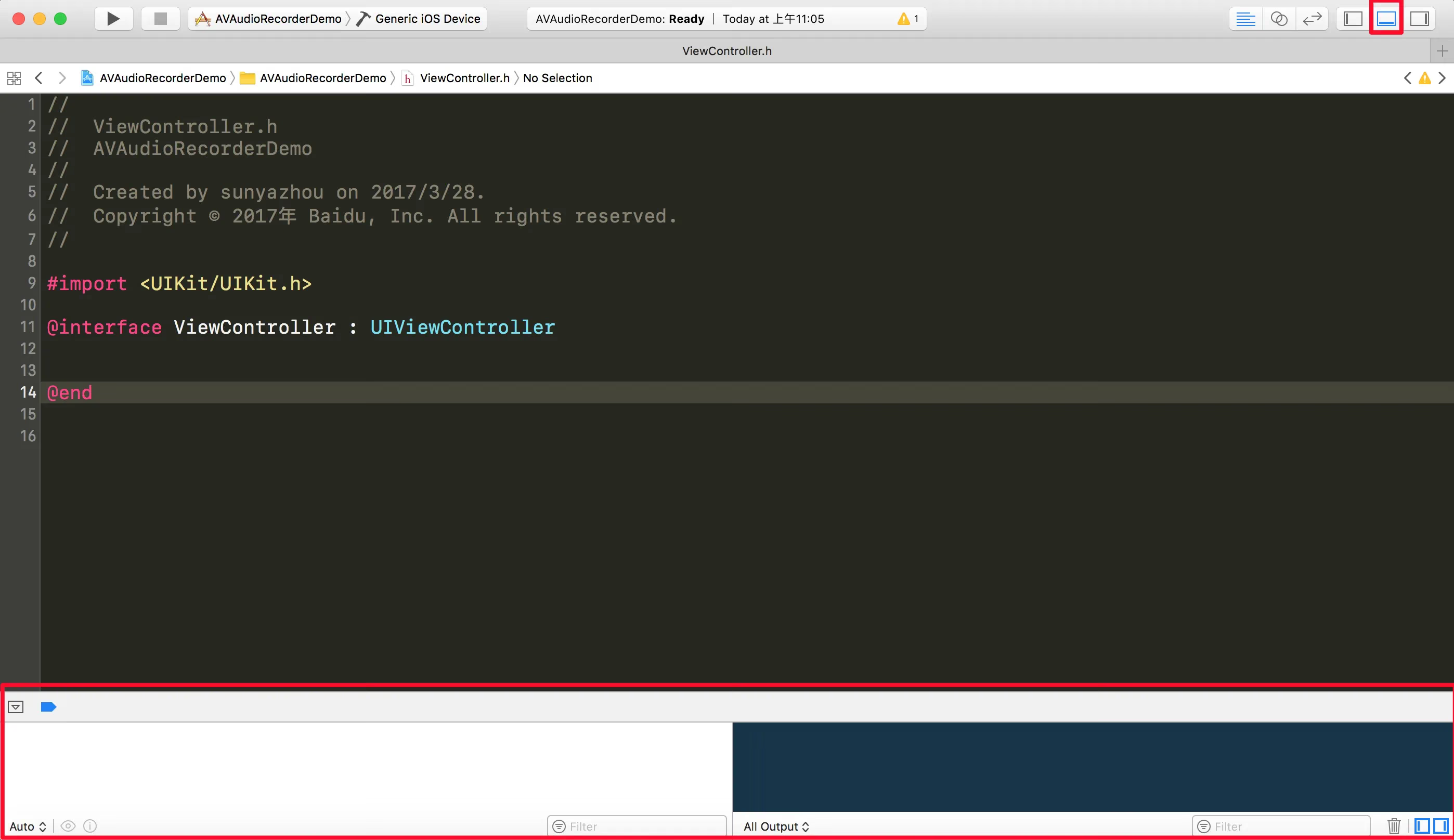
command+shift+y=Show/Hide the debug area at the bottom
Jump to a Specific Line
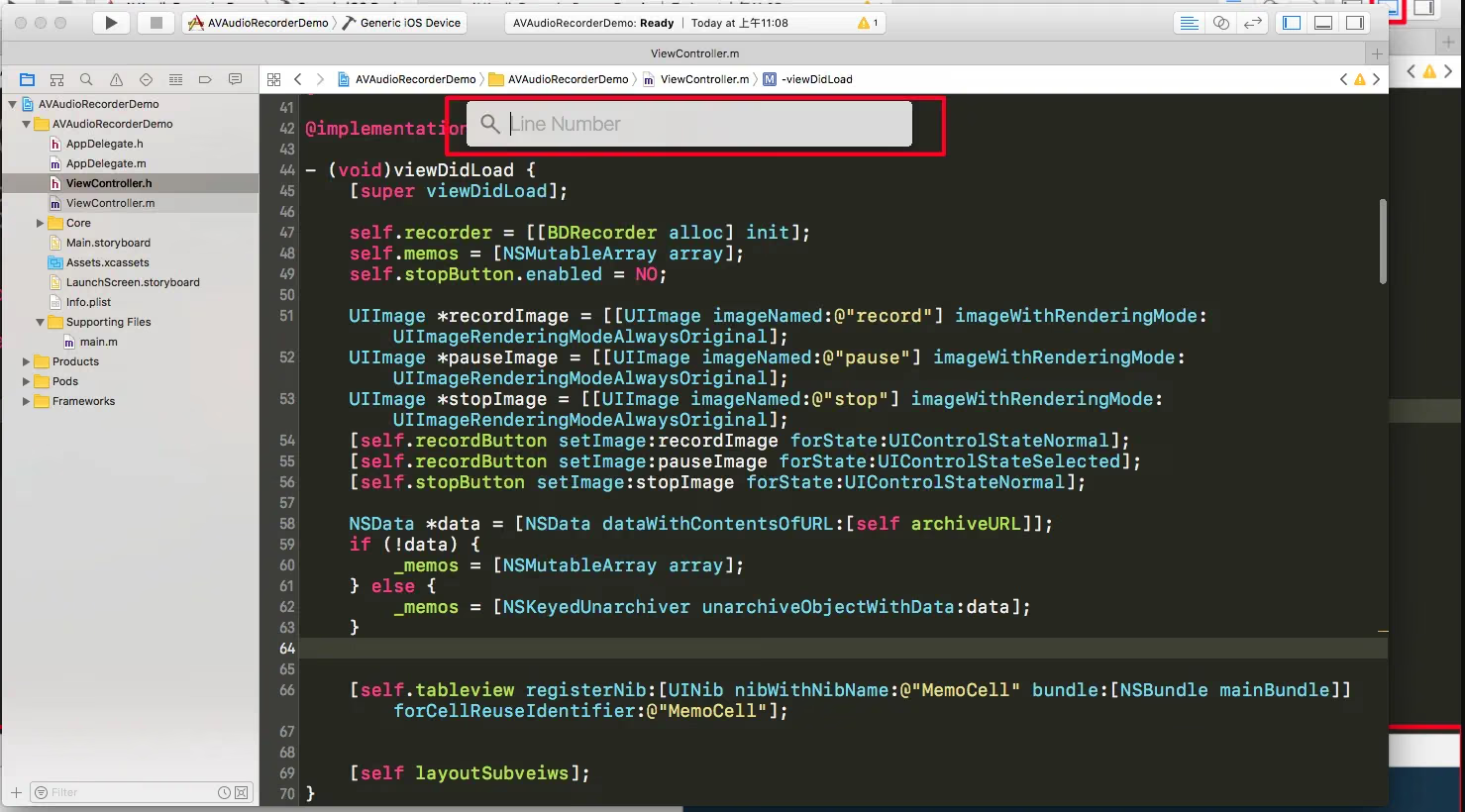
command + l (L)=Jump to a specific line. Note: it’s lowercase l, not i.
Collapse/Expand a Function Body
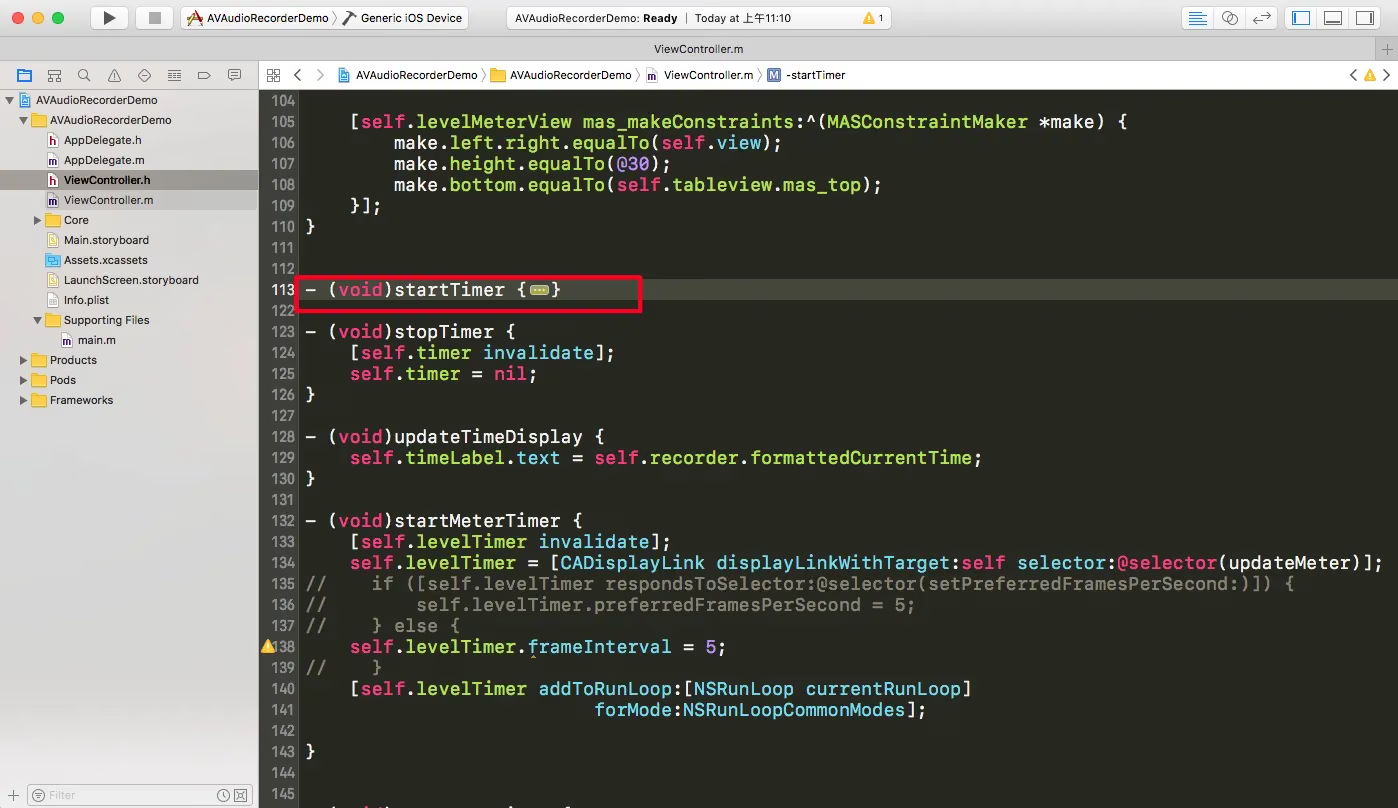
command+option+⬅︎=Collapse a function body;
⬅︎means the left arrow iOS, macOS, Objective-C command+option+➡︎=Expand a function body;➡︎means the right arrow
Move Lines Up/Down
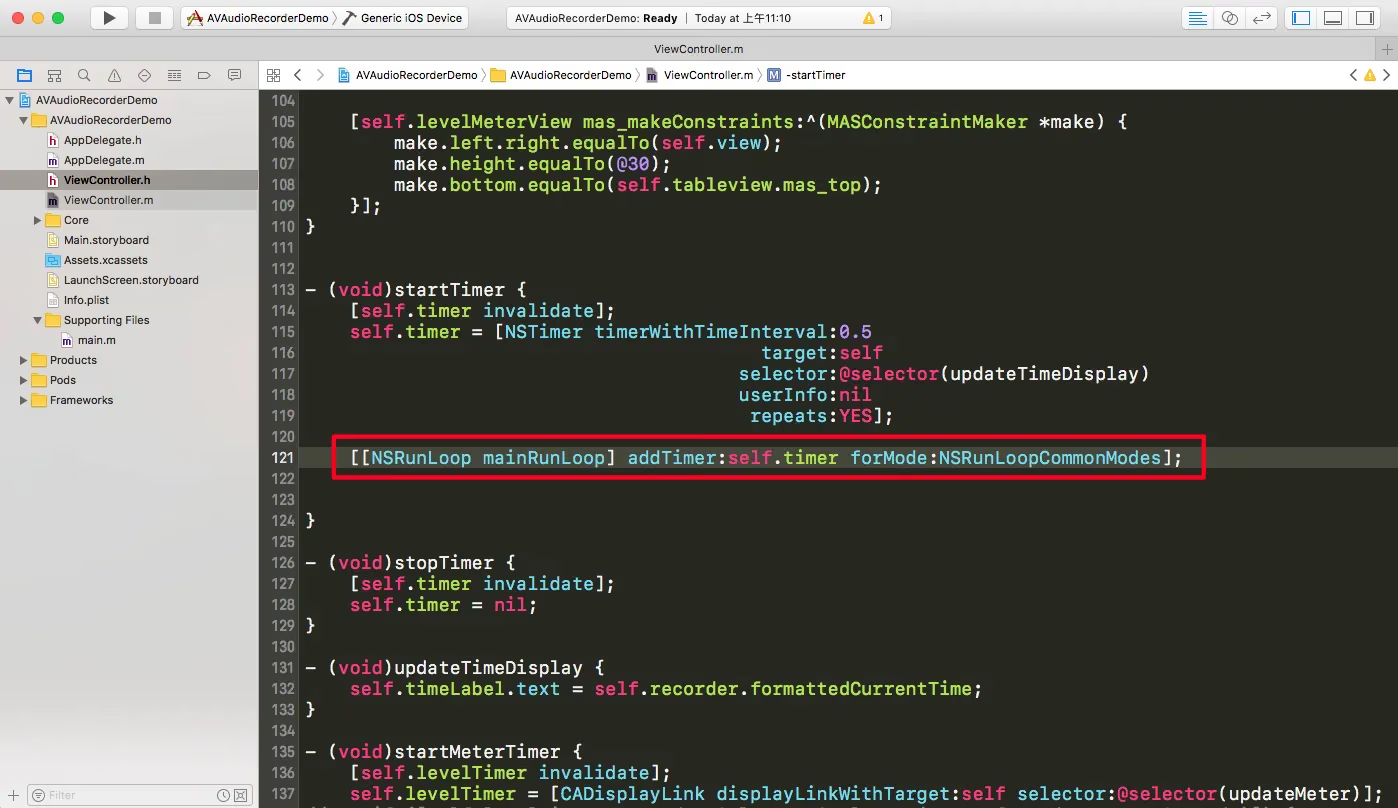
command + option + {=Move the current line up command + option + }=Move the current line down
Move Lines Left/Right
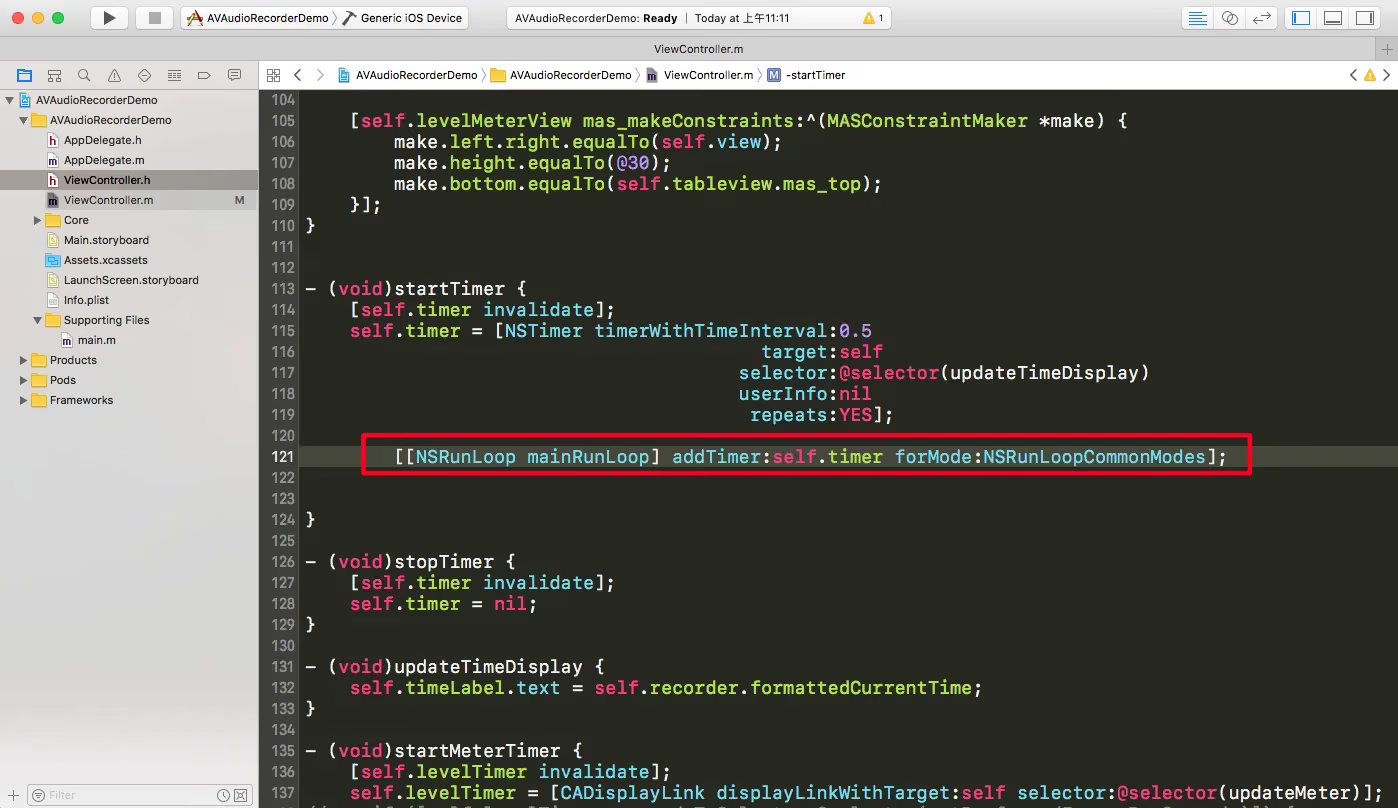
command + {=Move the current line left command + }=Move the current line right
Find a File Across the Whole Project
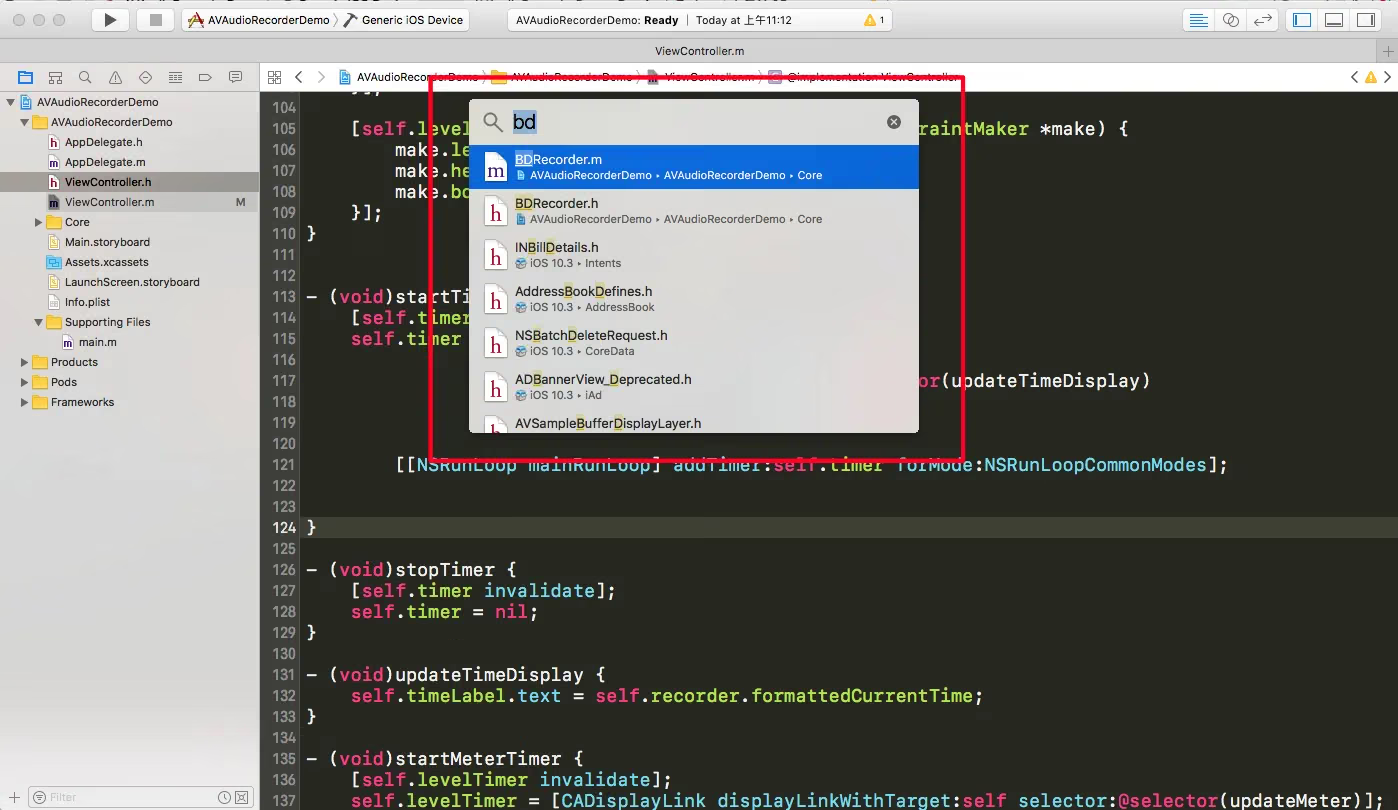
command + shift + o=Move the code line forward; o is an uppercase letter O
Add a Code Comment / Documentation Comment
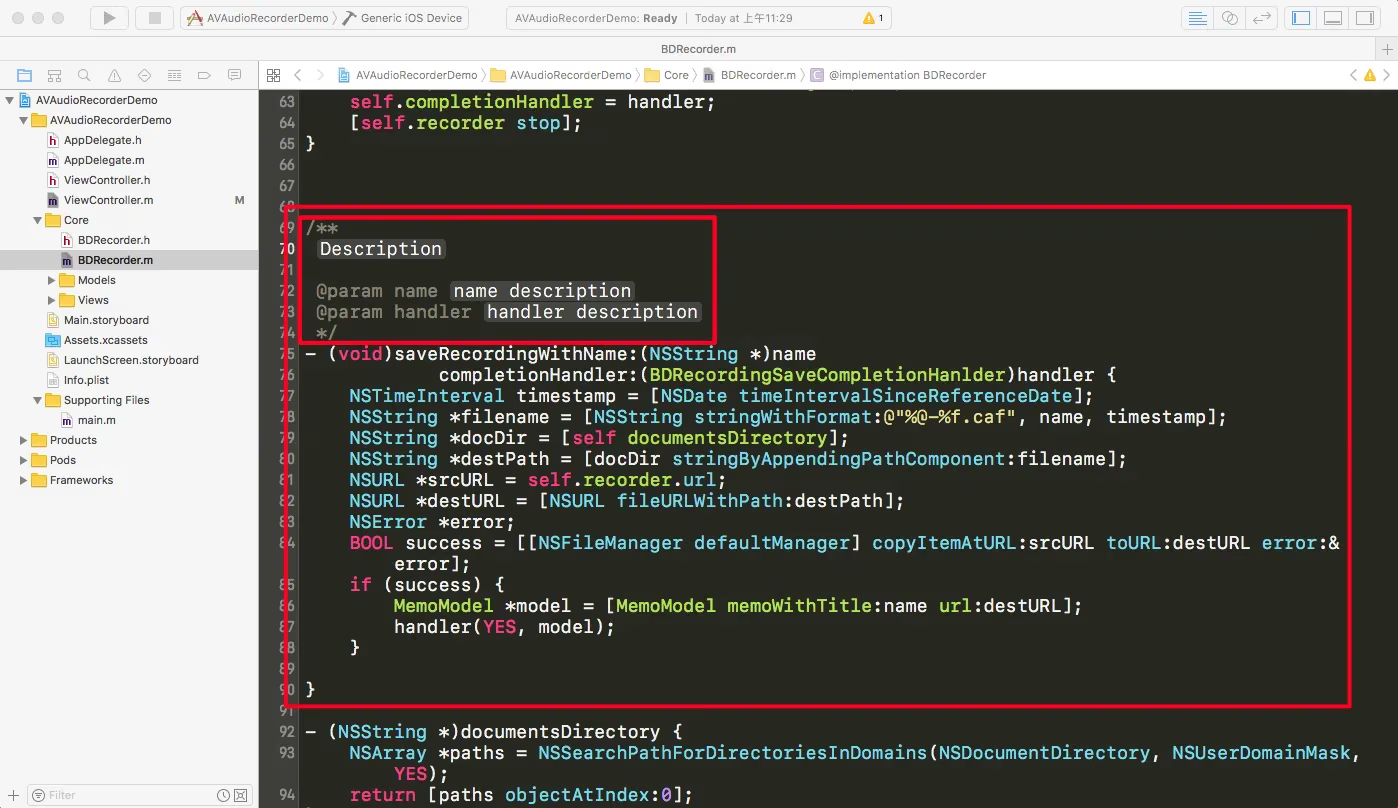
command + option + ?=Automatically add a function documentation comment
Undo/Redo Changes
command + z=Undo command + shift + z=Redo
I’ll keep updating this post as time permits.
The End