
Preface
Recently the company issued a new MacBook Pro to me, and after a lot of fiddling I found that my original software couldn’t be migrated over, or was too troublesome to migrate. Hence this article.
Background
Since Mac disk space is limited, I have to resort to third-party software to clean up the disk. Especially for an iOS developer, with a 128G SSD Mac, all I can say is the company is too stingy. It’s barely enough to install Xcode for work; as for the rest, I think my 256G iPhone X is more than enough to handle.
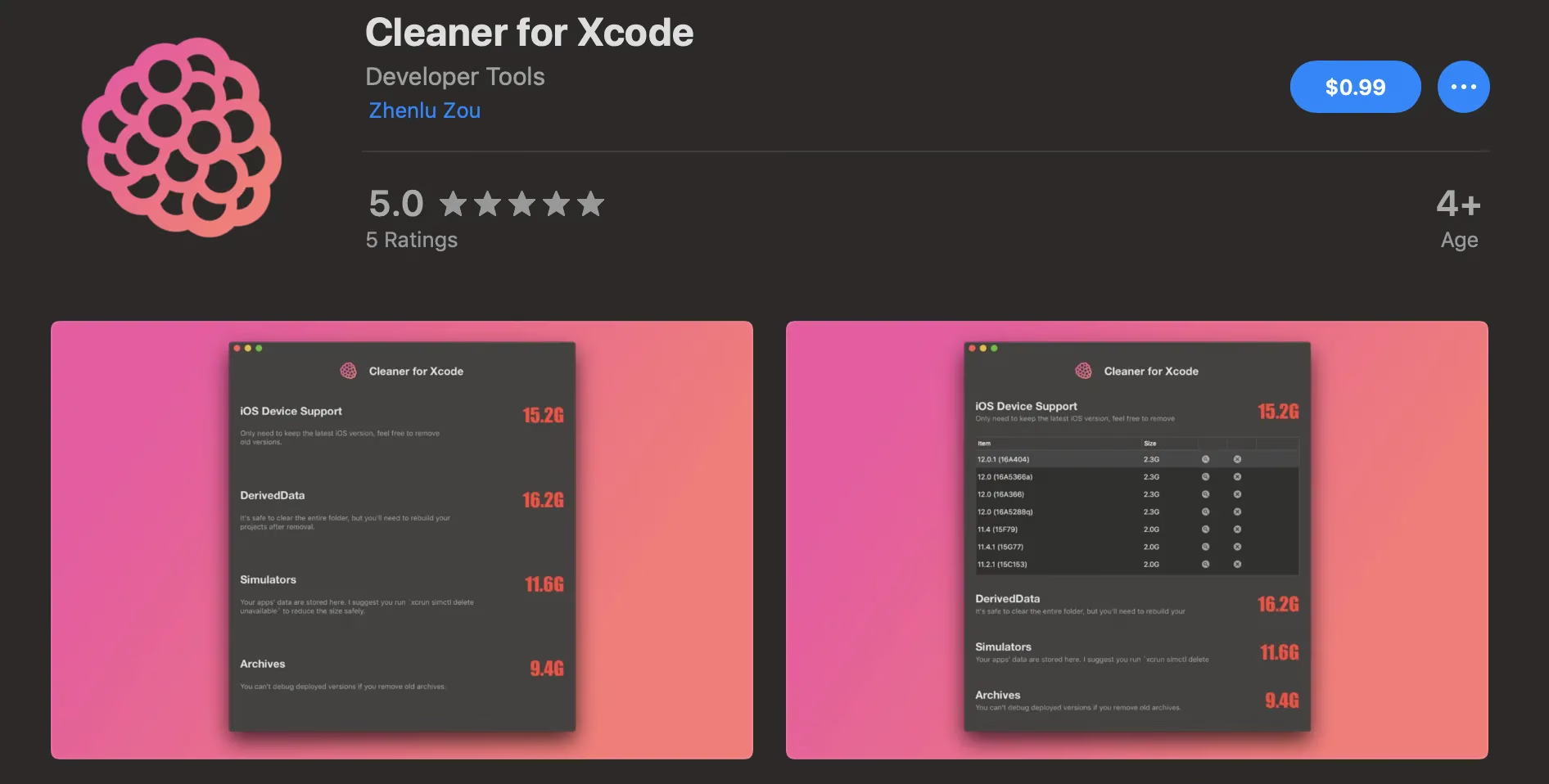
Xcode is the app that takes up the most space on a Mac — it ranks first in memory, disk I/O, and system resources. Since I always run on a real device, Xcode’s built-in simulator is of no use and also takes up some disk space. A few years ago, there was this software on the cover called Cleaner For Xcode.
It’s open source and written in React Native. I find it quite useful. But this developer isn’t very decent — he priced it at $0.99 on the Mac App Store.
Seriously, I say this author is really not decent. If you’re going to open source it, why not build a release package for all the Mac folks to use? So today, since I had some time, I set up the RN environment and swore to compile an app for free for everyone to use.
The Process
Honestly, I really didn’t want to install RN — it wastes too much disk space and time. But I had no choice. After a lot of fiddling, I ran into many pitfalls.
Pitfall-Filling Experience
RN versions above 0.45 require the boost library. Even downloading this library behind the wall was a huge pain… Done.
Then I had to install yarn, node, npm, watchdog… Done.
Compilation errors, Xcode 10.12.1 (the latest at the time), various compile options, static analysis. Done.
After about 30 minutes, I finally cobbled together an app.
Summary
Link: https://pan.baidu.com/s/1BClEjWLHS3htvKXoM11UjQ Extraction code: uhns
Take it, everyone, no need to be polite.
Actually, this is just about understanding what caches are stored in each Xcode directory, deleting them now and then, and making a nice-looking UI. The author is kind of crazy — such a simple feature could be done with a shell script or a few lines of Objective-C, but he had to go to all the trouble of using RN. And then open sourcing it without even being decent about it. Developers like this are really infuriating.