
Preface
This post carries a strong personal tone. If you find it uncomfortable to read, please close it as soon as possible. This article is only for my personal learning notes. You’re welcome to repost or share it within the scope of the license, but please respect the copyright and keep the original link. Thank you for your understanding and cooperation. If you find this site helpful, you can subscribe via RSS. Thanks for your support!
jekyll
My blog started with Hexo. Later, OneV's Den switched his blog to Jekyll, and I really liked it. But with Hexo, writing a post was straightforward — you could just use
1
2
hexo new "202300202XXXPaper"
in this form, generating a markdown file from a template.
For the specific usage, take a look at the Hexo commands
However, in OneV’s Den’s simplified version of the new https://github.com/cotes2020/jekyll-theme-chirpy/ theme, it’s still fairly simple and practical, except that it lacks a way to quickly write posts.
After emailing OneV’s Den to ask,
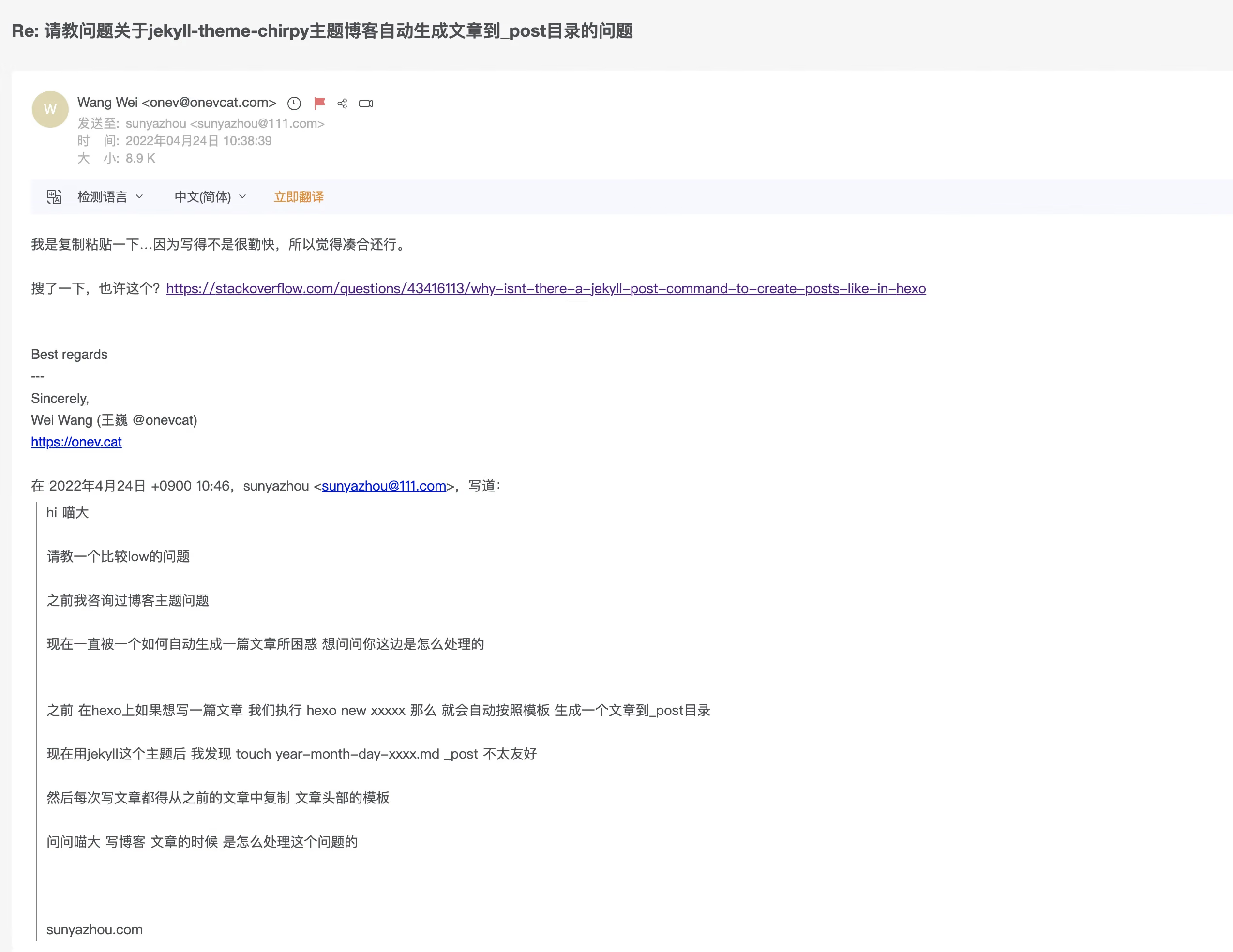
he not only replied, but also said he doesn’t write posts very often — he just copies an old one, which isn’t much trouble. At the end of the email, he gave a very practical Stack Overflow answer.
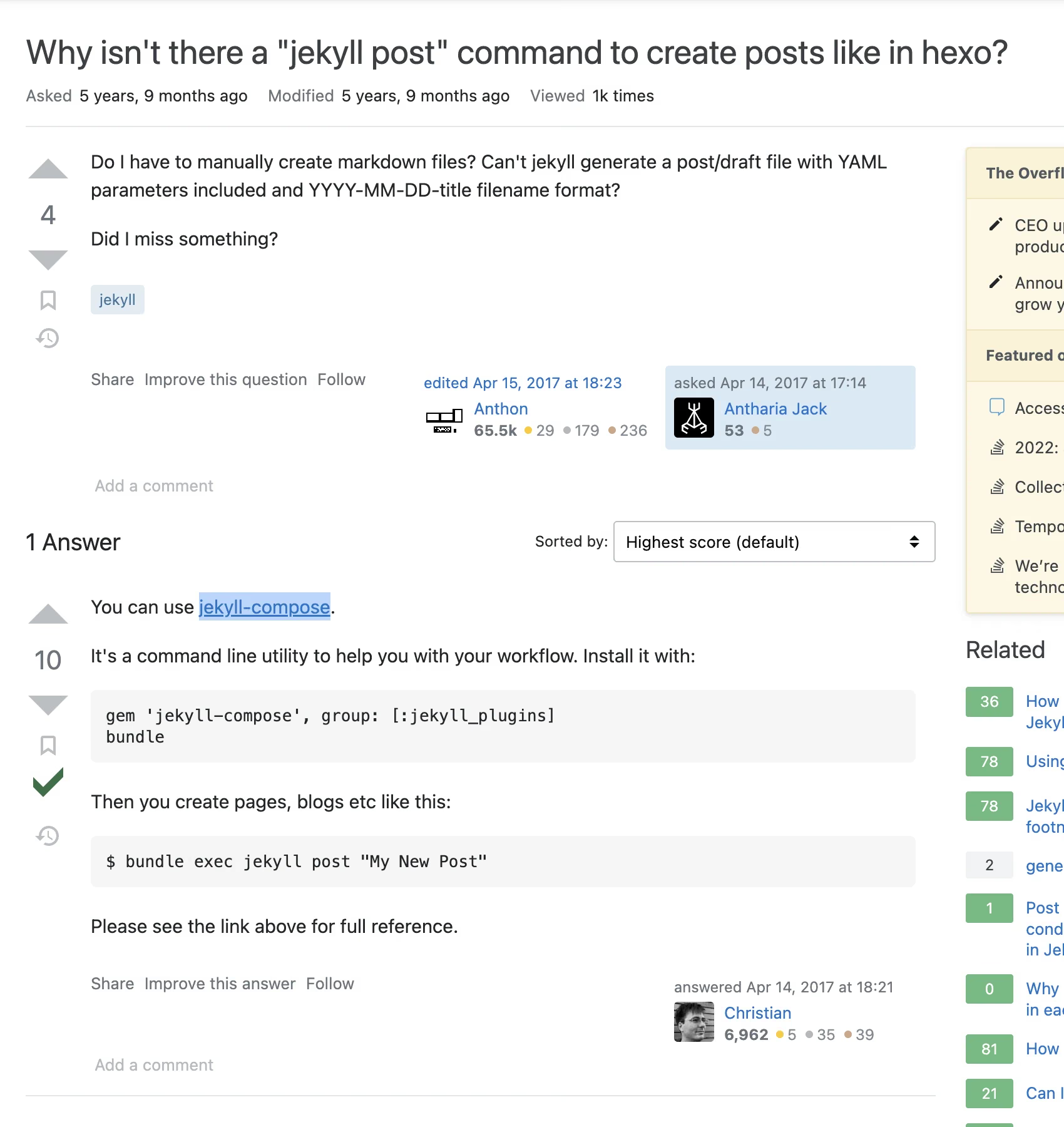
In my blog, there’s a Gemfile file.
1
2
3
4
5
6
7
8
9
10
11
12
13
14
15
16
source "https://rubygems.org"

gem "jekyll", ">=3.8.6"

# Official Plugins
group :jekyll_plugins do
  gem "jekyll-paginate"
  gem "jekyll-redirect-from"
  gem "jekyll-seo-tag", "~> 2.6.1"
  gem 'jekyll-compose' //新增这个
end

group :test do
  gem "html-proofer"
end
Then run it once.
1
bundle install
This ensures all the required libraries are loaded. Here you can configure the Ruby China mirror or use a proxy.
What’s left is running this every time you publish a post:
1
$ bundle exec jekyll post "My New Post"
Don’t copy the
$symbol — it just means this is a command you run in your shell terminal.
After generation, it automatically formats the year-month structure.
1
bundle exec jekyll post "jekyllpost"
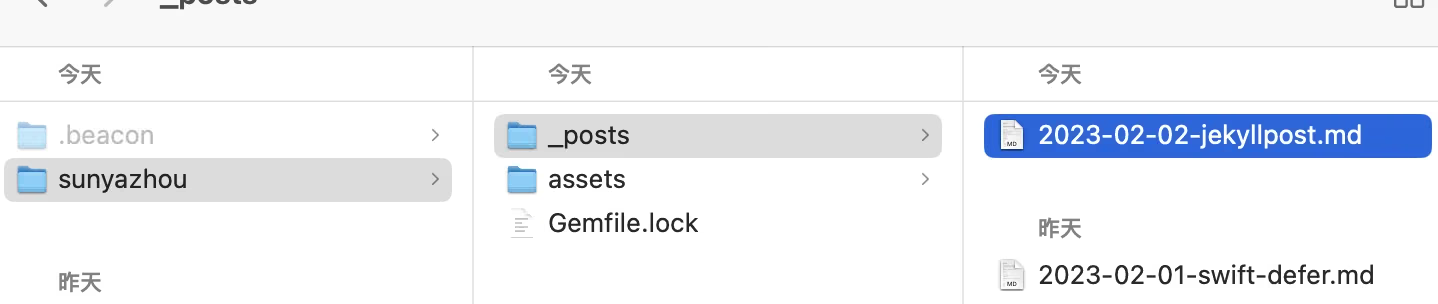
A Question
The markdown generated here doesn’t allow the same customization as Hexo’s template. I haven’t found a way. If you’re interested, we can research it together.
Why isn’t there a “jekyll post” command to create posts like in hexo?
Summary
This command-line tool is very well suited to someone like me who publishes posts frequently. I hope it helps friends using Jekyll.