
Preface
During development, you often encounter QR codes and barcodes, but there’s always a tricky problem: how do you make the scanning frame follow the detected QR code (i.e., intelligently detect the scanned layer.bounds)?

There’s an article that describes the development process, so I won’t repeat it here. If anyone needs me to translate it, please leave a comment at the bottom and I’ll update the code promptly.
Building a Barcode and QR Code Reader in Swift 3 and Xcode 8
Here’s the core code, using the AVCaptureMetadataOutputObjectsDelegate delegate:
1
2
3
4
5
6
7
8
9
10
11
12
13
14
15
16
17
18
19
20
21
22
23
24
25

func captureOutput(_ captureOutput: AVCaptureOutput!, didOutputMetadataObjects metadataObjects: [Any]!, from connection: AVCaptureConnection!) {

    // Check if the metadataObjects array is not nil and it contains at least one object.
    if metadataObjects == nil || metadataObjects.count == 0 {
        qrCodeFrameView?.frame = CGRect.zero
        messageLabel.text = "No QR code is detected"
        return
    }

    // Get the metadata object.
    let metadataObj = metadataObjects[0] as! AVMetadataMachineReadableCodeObject

    if metadataObj.type == AVMetadataObjectTypeQRCode {
        // If the found metadata is equal to the QR code metadata then update the status label's text and set the bounds
        let barCodeObject = videoPreviewLayer?.transformedMetadataObject(for: metadataObj)
        // Core code here
        qrCodeFrameView?.frame = barCodeObject!.bounds

        if metadataObj.stringValue != nil {
            messageLabel.text = metadataObj.stringValue
        }
    }
}}
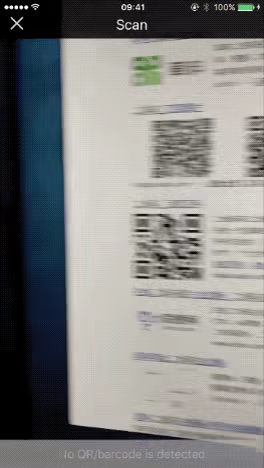
qrCodeFrameView?.frame = barCodeObject!.bounds This is the core line — just get barCodeObject.bounds and assign it to the transparent view we created. Final Project
End of article