
Preface
First post of the new year. Let me record the tools I’ve found most useful.
Snipaste for Screenshots
Whenever there’s no internet access, or when I get a new Mac, there’s no screenshot software installed, so I had to use the built-in screenshot feature of QQ or WeChat. That forced me to install these two apps. With Snipaste, say goodbye to that.
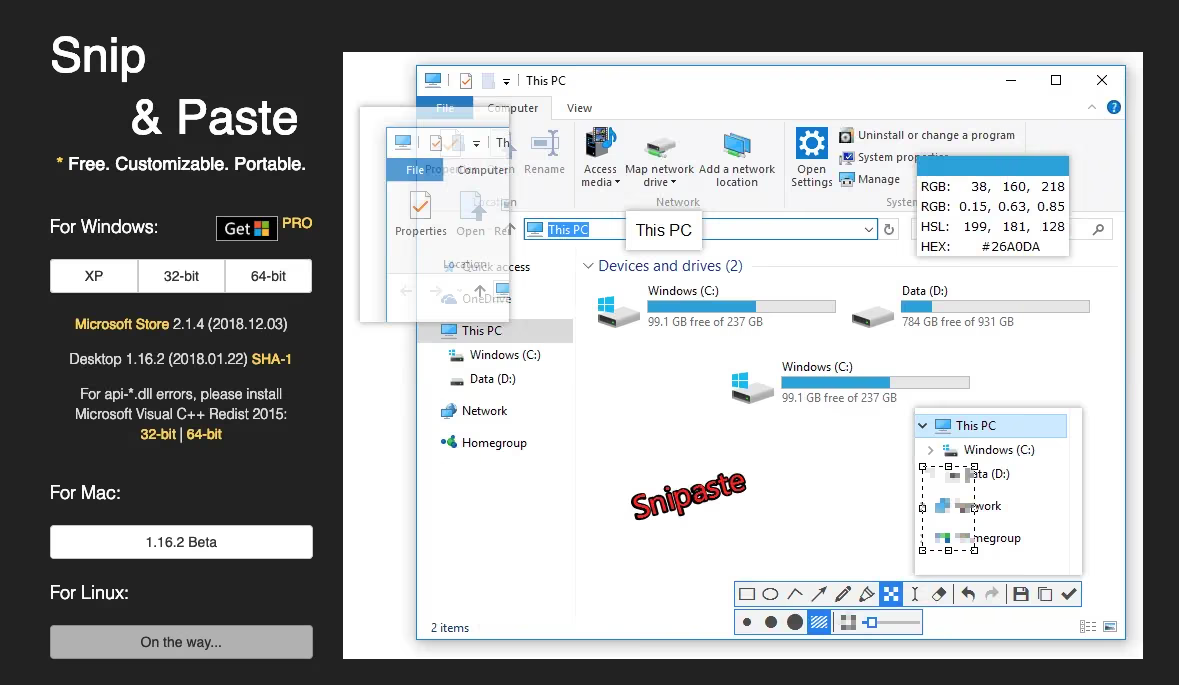
Snipaste is a small but powerful screenshot tool. You can directly blur, annotate, and share screenshots without having to save them to disk first.
To use it, hold down Fn+F1 and the screenshot UI appears. Give it a try.
CheatSheet — Shortcut Viewer
CheatSheet quickly brings up the keyboard shortcuts supported by the current app. Just press and hold the command key. Simple and practical.
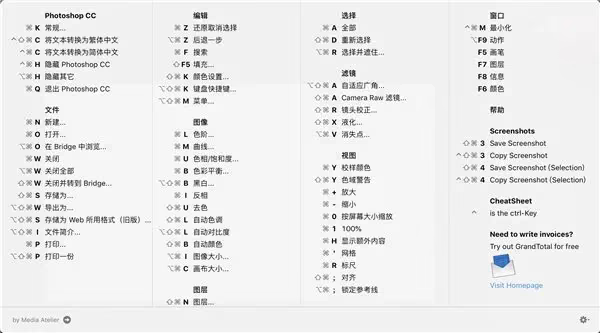
Before using it, you must grant it access permission in Privacy & Security settings. There are image prompts — just follow them.
Folx — Download Tool
An alternative to Thunder (Xunlei). It supports BT downloads. When you encounter resources Thunder can’t download, give Folx a try — the free version covers the basic needs.
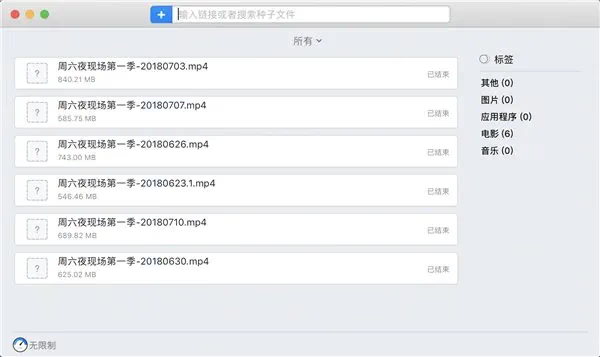
As a programmer who once “moved bricks” at Baidu Netdisk, I had to be really good at the most basic business of file upload and download. Back then, Thunder intended to invite me to an interview, but I declined — mainly because the company was too far from where I lived. And from its download throttling strategy, I don’t think Thunder is sufficient to drive the internet forward. Third-party tools like Folx have completely replaced Thunder for me.
IINA — Video Player
IINA is widely considered the most powerful video player on Mac. Clean, ad-free, and feature-rich, it even supports online subtitles. Worth a try.

Works well for all kinds of use.
Mactracker
Mactracker provides all the information on Apple’s full product lineup, including performance specs, prices, and more. You can search, and there’s also a chronological release timeline, making it convenient to browse. This app also has an iOS version.
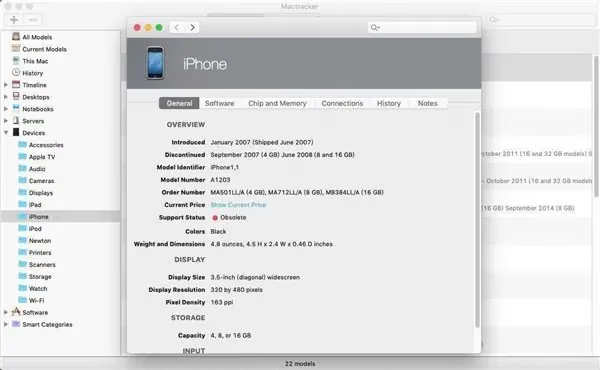
As an iOS developer, I think not staying up to date on the fruit company’s various products is a sign of being unproactive at work. This app lets you check all of Apple’s currently released models and other info in real time.
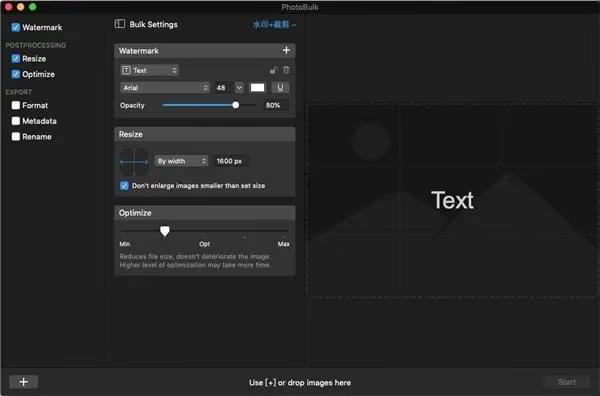
PhotoBulk — Batch Watermark Tool
PhotoBulk can batch-process images, such as adding watermarks in bulk. Once you’ve set the watermark content, size, and position, you can generate watermarked images in one click. Very convenient.
Archive Utilities
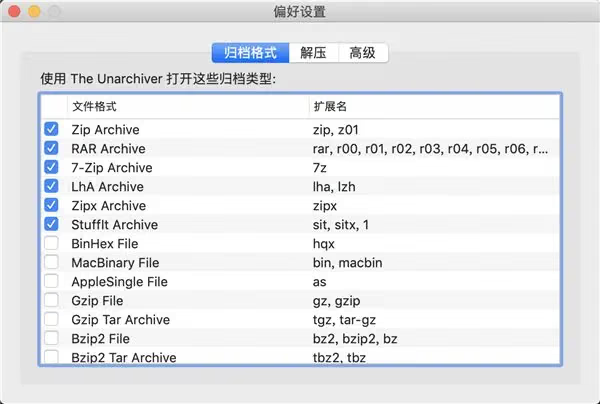
Mac’s support for archive formats is lacking — it only supports zip. The Unarchiver fills this gap: it supports common formats like zip, rar, and 7z, and can handle compression and decompression.
HandShaker — Android File Manager for Mac
A file management app from Smartisan Technology for managing Android phone content on a Mac. It’s powerful, supporting file transfer between devices and categorized management.

GIF Brewery 3 — Video to GIF for Mac
The most powerful GIF tool on Mac. It converts videos to GIF and lets you set the dimensions, file size, and start/end points. It used to be paid software but is now free.
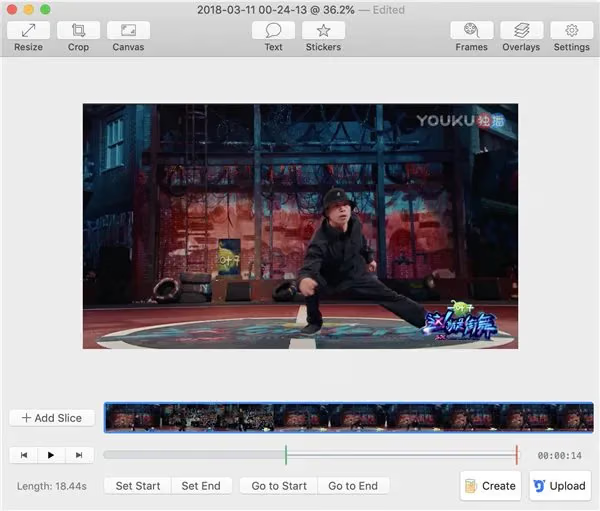
This is a great tool. When writing blog posts, I often record .mov clips and convert them to GIFs for illustrations.
Download
Background Music — Per-App Volume Control
Background Music’s function is very simple: it controls the volume of different apps separately on a MacBook, just like on Android phones and Windows PCs.
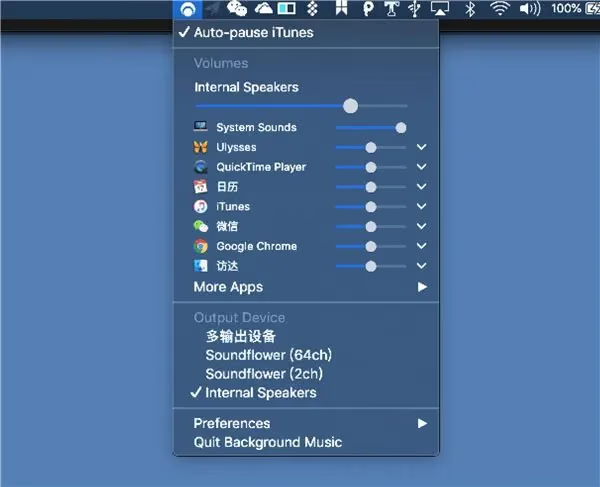
I often use enterprise IM, and the chat app’s notifications are often too loud, hurting the experience. I never expected there to be such a finely tuned app specifically solving this pain point.
Third-Party NetEase Cloud Music
A third-party NetEase Cloud Music player with a redesigned interface. If you like it, give it a try.
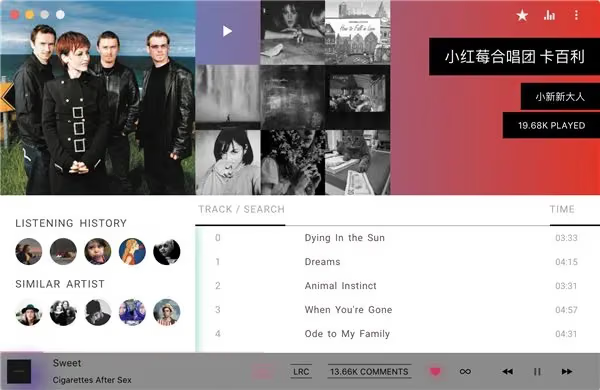
This third-party one is too flashy and not practical. Better not to install it.
Summary
Many apps haven’t been organized in time. I’ll update sporadically when I have time. Thanks for your support.
OneV’s tool collection
Reference: ithome