

Preface
No matter when you graduate or when you start working, this article of mine will be the chapter I recommend to you before you step onto campus or while you’re in college. If you study well, you must keep it up; studying poorly doesn’t mean there’s no chance in the future, and if you plan to major in something computer-related, I can tell you everything I’ve learned and the essential study gear I used, holding nothing back, and it can save you most of your study budget.
Computer Science Study Path
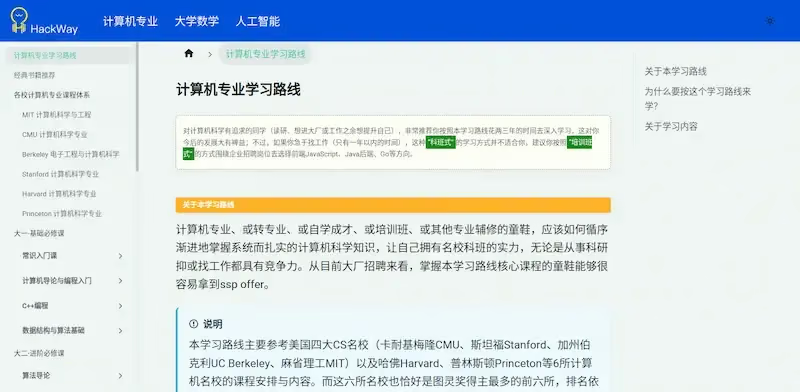
It is said the site owner is a Peking University student who compiled a computer science study path based on prestigious American universities’ CS curricula.
The link above is the most recently updated source for learning CS courses, last updated on 2023/06/30 ↑↑↑.
Three Main Aspects
- Books
- Skills
- Gear
Books
Let’s start with books — the classic must-haves for computer science in college.
C Programming Language (Tan Haoqiang) Must-learn

Tsinghua University Press Computer Science Series: Data Structures (C Language Edition) Must-learn
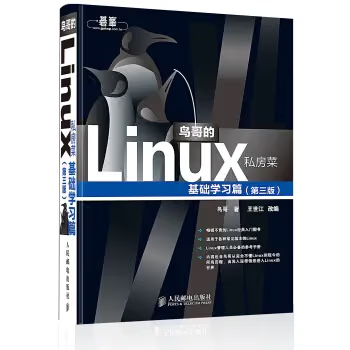
Brother Bird’s Linux Private Kitchen (Basic Study, 3rd Edition) Must-learn


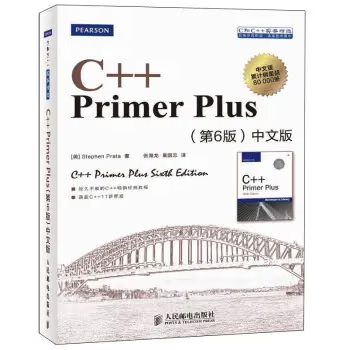
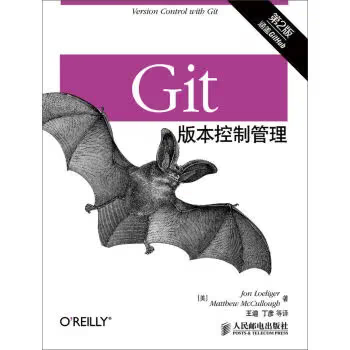
Git
Databases
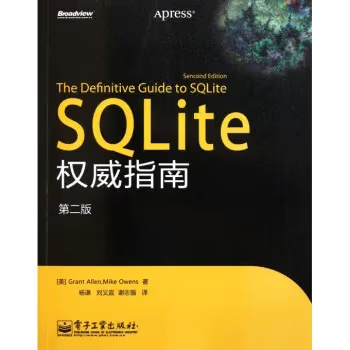
This one is important. You can simply think of it as an Excel spreadsheet, except the data is stored in a file. e.g., SQLite, SQL Server
The books above can be bought in print. As for Python, Java, JS, Node.js, machine learning, and similar topics, you don’t need to buy books. But since I know many of you are short on cash, you can download e-book versions from the internet and learn just the same — for example iBooks (EPUB format on Macs), Kindle (MOBI format), and the commonly used PDF format. But I still recommend you don’t buy them; read on patiently
Skills
- Free Programming Books Index (Chinese) This is the reason you don’t need to buy books — all the computer-related technical books, video tutorials, blogs, and other resources are all here. Yes, you read that right: one link does it all.
- Learn how to set up your own blog, so you can record what you learn and boost your influence. For details, refer to my article How to Build a Hexo Blog
- Try to get up one hour earlier each day to read and preview what will be covered in class.
- Read the blogs of masters in the field.
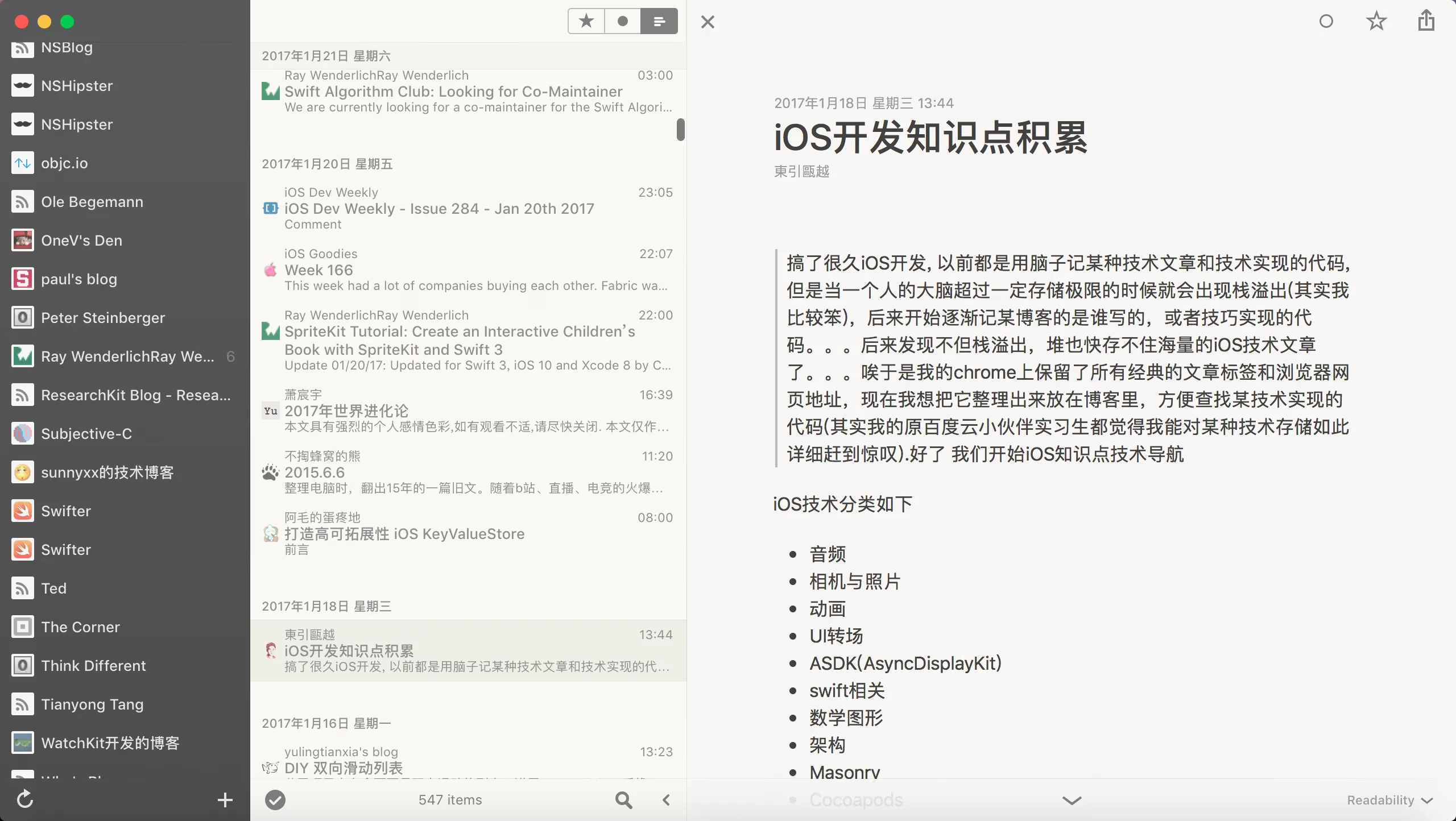
- Subscribe to various blogs for new posts (I recommend an app called Reeder)
(Beginners probably don’t yet know who the masters in each field are; you can figure that out gradually.) I’m studying the iOS direction, so here’s a GitHub link to learning resources and a list of masters for me.
- Chinese iOS/Mac Development Blog List Yes, once again you’re reading right — it’s one link, and it shows you how to feed blogs’ RSS into the Reeder app
- Tang Qiao’s Blog
Below is my Reeder
Gear
This is what concerns everyone most, and it’s also what makes parents most anxious.
College gear really does matter — that’s true. So let me start with the computer.
- Mac computer (Apple computer, MacBook)
Because it perfectly combines the Unix-based shell with an excellent graphical interface (say goodbye to Windows PCs; this machine will carry you through until you start working)
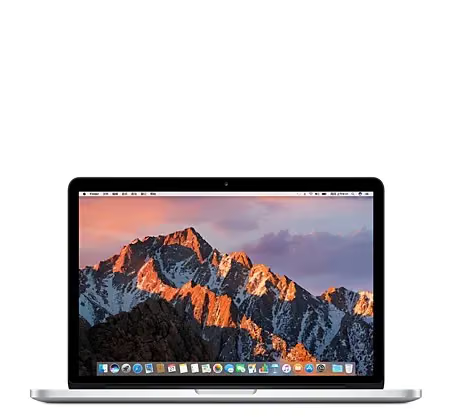
Option 1 (Premium & Luxurious)
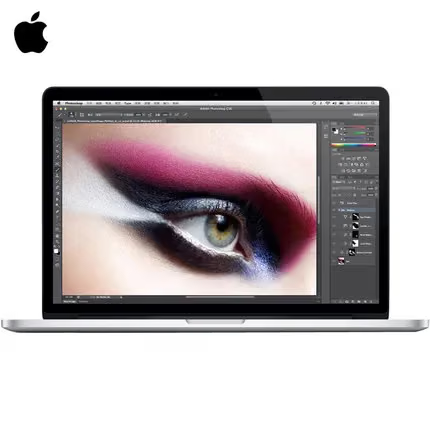
If you have higher requirements, you can buy the MacBook Pro MF839CH ¥7988
The 840 model seems to be pricier. Of course, these are for students from better-off families.
Option 2 (Lightweight & Practical)
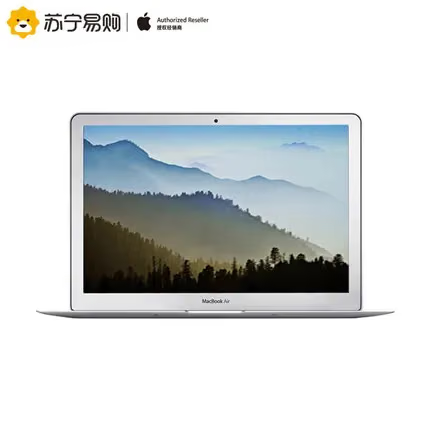
If your requirements are average, you can also save money and get a 13.3-inch MacBook Air 13.3 which is more than enough — one of my coworkers has used his for over 5 years. ¥6488
You’re probably thinking this is expensive. But since I said I’d help you save money, I will — keep reading.
Option 3 (On a Shoestring Budget)
There’s an Apple computer that’s really cheap, called the Mac mini. The Hong Kong version on Taobao is around ¥3300.
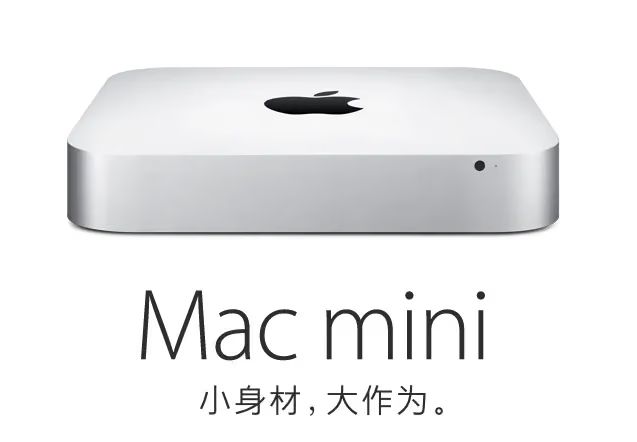
Note: It doesn’t come with a monitor, mouse, or keyboard — you’ll need to buy a mouse and keyboard yourself. You can buy a second-hand monitor, but as far as I remember, most colleges can provide monitors for students to rent. Monitor + mouse + keyboard, 1500 RMB for new ones is enough.
This fully satisfies study and everyday use; it’s just that many people aren’t used to it — Apple keyboards and PC keyboards have slightly different key layouts. But no worries: you can buy a Bluetooth keyboard compatible with Apple for 50 RMB on Taobao.
In my opinion this is the best option — economical and practical.
OK, we’re done with computers. Let’s move on.
- Raspberry Pi
Let me first introduce this — it’s the cheapest and smallest computer I’ve ever seen, and it can run various Linux operating systems. It’s just ARM-level, but it’s very suitable for students to learn on, because a simple TF card can serve as its hard drive, and keyboard, mouse, Wi-Fi, Bluetooth, and network card are all supported — and it only costs around¥275. Yes, it’s that cheap, and it’s imported from the UK. If you get a domestic one, it’s only¥230
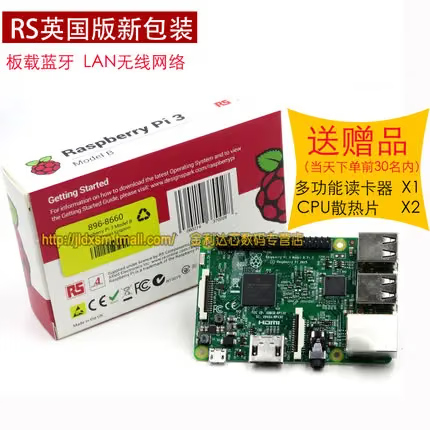
Why is the Raspberry Pi a must-have? Because while learning Linux, you don’t want to keep messing around reinstalling different operating systems on your main computer. Actually, it’s not strictly necessary, but for learning the shell, I suggest using this — it’s more convenient. It’s a must-have for computer-science students who like to tinker, learn technologies, and play with tech.
When I grow old, I’ll definitely put this in my museum.
Note: this needs a monitor, mouse, and keyboard. If you chose Option 3 above, this is a great match.
Smartphone
For phones, I can only recommend buying an iPhone or a cheaper Android.
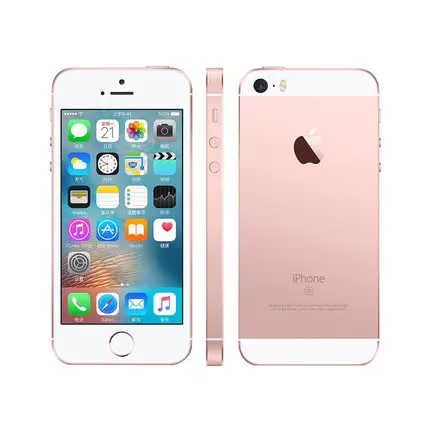
iPhone 5s/SE, around¥3288
If you’re doing iOS development, of course you need to buy an iPhone. It’s not about the money — we’re in an era of explosive growth in mobile internet, so you need a decent device ready for whenever you might need it.Kindle
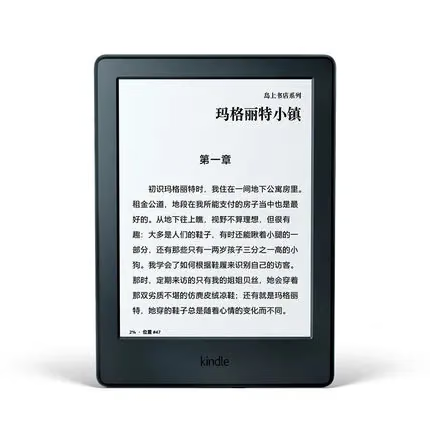
The Kindle is a great device for reading. All the books mentioned above can be pushed to this device for free by following some WeChat public accounts. A tiny device can hold a ton of books, making relaxed study easy without hauling around a pile of heavy, useless books.
¥558
Summary
It’s fair to say that after reading this article, at least you’ll know how to study and how to find study materials easily.
Now let’s tally up the bill for back-to-school gear.
Computer + Raspberry Pi + Smartphone + Kindle = College Study Security
Option 1 + Raspberry Pi + Smartphone + Kindle = ?
¥7988 + ¥275 + ¥3288 + ¥558 = ¥12109 — I figure this one is hard for most parents to accept; it suits the premium & luxurious type.
Option 2 + Raspberry Pi + Smartphone + Kindle = ?
¥6488 + ¥275 + ¥3288 + ¥558 = ¥10609 — this is also over 10K. The main cost is the phone; if you can save a bit on the phone, you’d probably get under 10K.
Option 3 + Raspberry Pi + Smartphone + Kindle = ?
¥3300 + ¥275 + ¥3288 + ¥558 = ¥7421
This includes the main devices. Considering you still need to rent a monitor and a keyboard, let’s add ¥1000 for now.
¥3300 + ¥275 + ¥3288 + ¥558 + ¥1000 = ¥8421
In the end it’s still over 8K. But this is already relatively frugal. If you get an Android phone, here’s what it looks like:
¥3300 + ¥275 + ¥699 + ¥558 + ¥1000 = ¥4832
Yes, 5K is enough — this is actually the most economical option. If you don’t buy a phone and don’t buy a mouse and keyboard either, it’s just over 4K. Whether you’re a fresh graduate or a college student, remember to spend money where it counts, and make the most of your gear. Especially during college, you simply don’t need anything that fancy — as long as it works. Once you graduate and become self-sufficient, buying whatever you want won’t be a problem.
Make your college life a bit more organized.
The End